Your church calendar, with who asks and who approves
Church Hub is the internal platform for staff, leaders and volunteers: a calendar with approvals, team pages, events, org chart, finance and worship tracks, at your church’s own address.
- Servers in São Paulo
- Daily backup
- English, Portuguese and Spanish
Church information usually lives in five places
A WhatsApp group, a spreadsheet, a shared folder, email and the memory of whoever has been around longest. Church Hub keeps what your team needs at your church’s own address, with who can see and who can edit set by role.
- A WhatsApp group
- A spreadsheet
- A shared folder
- The memory of whoever has been around longest
Every area of the church, on the same screen
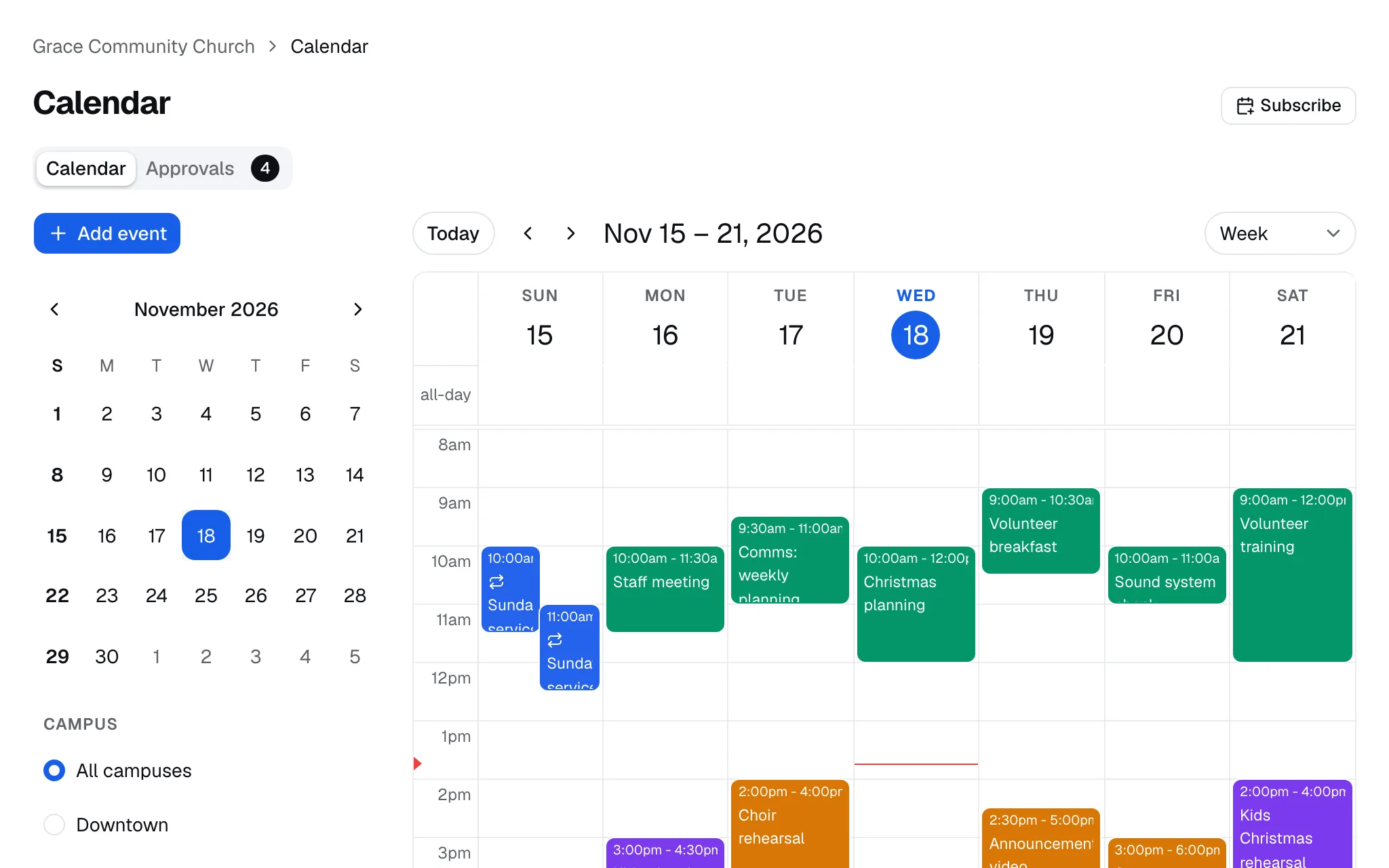
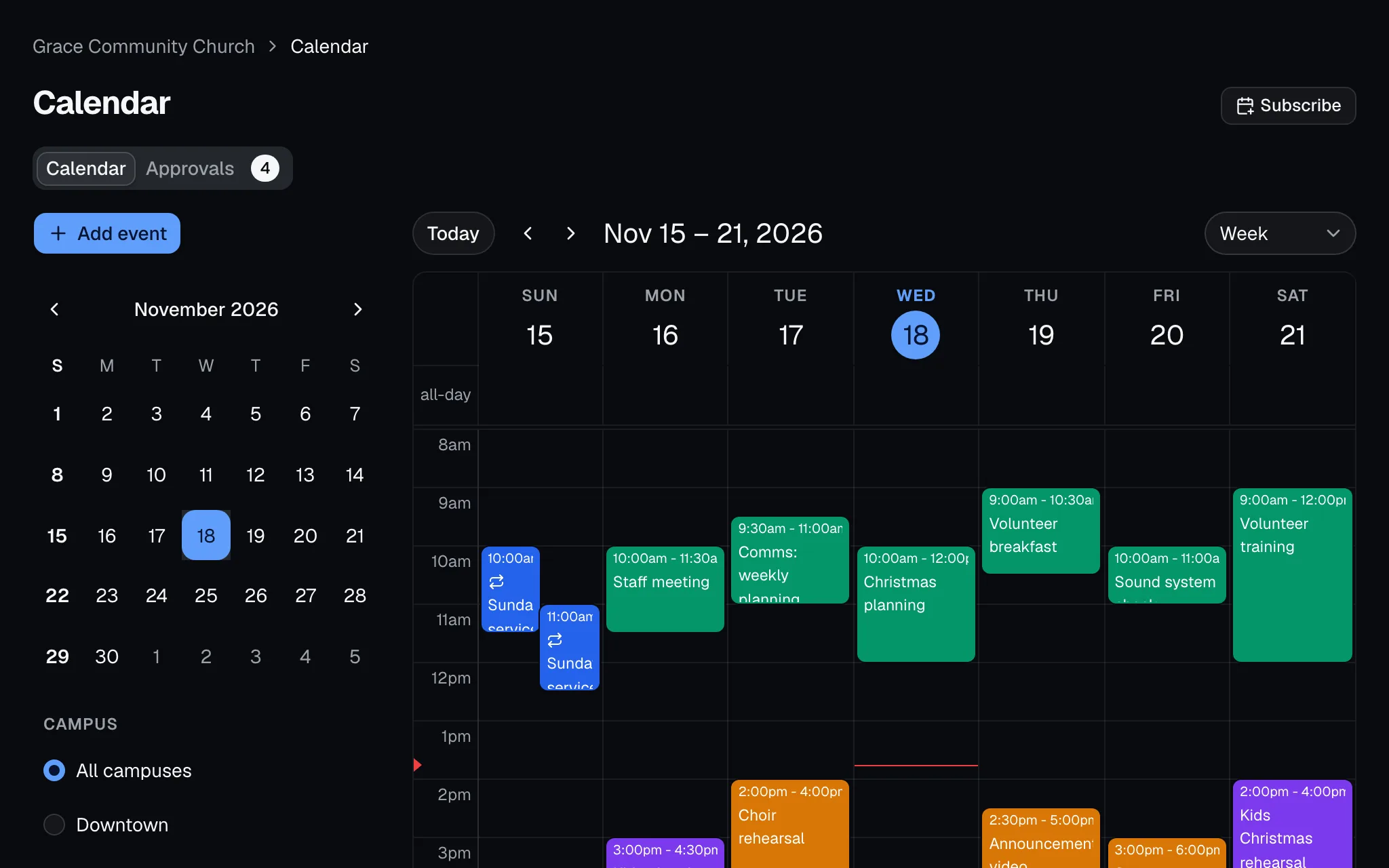
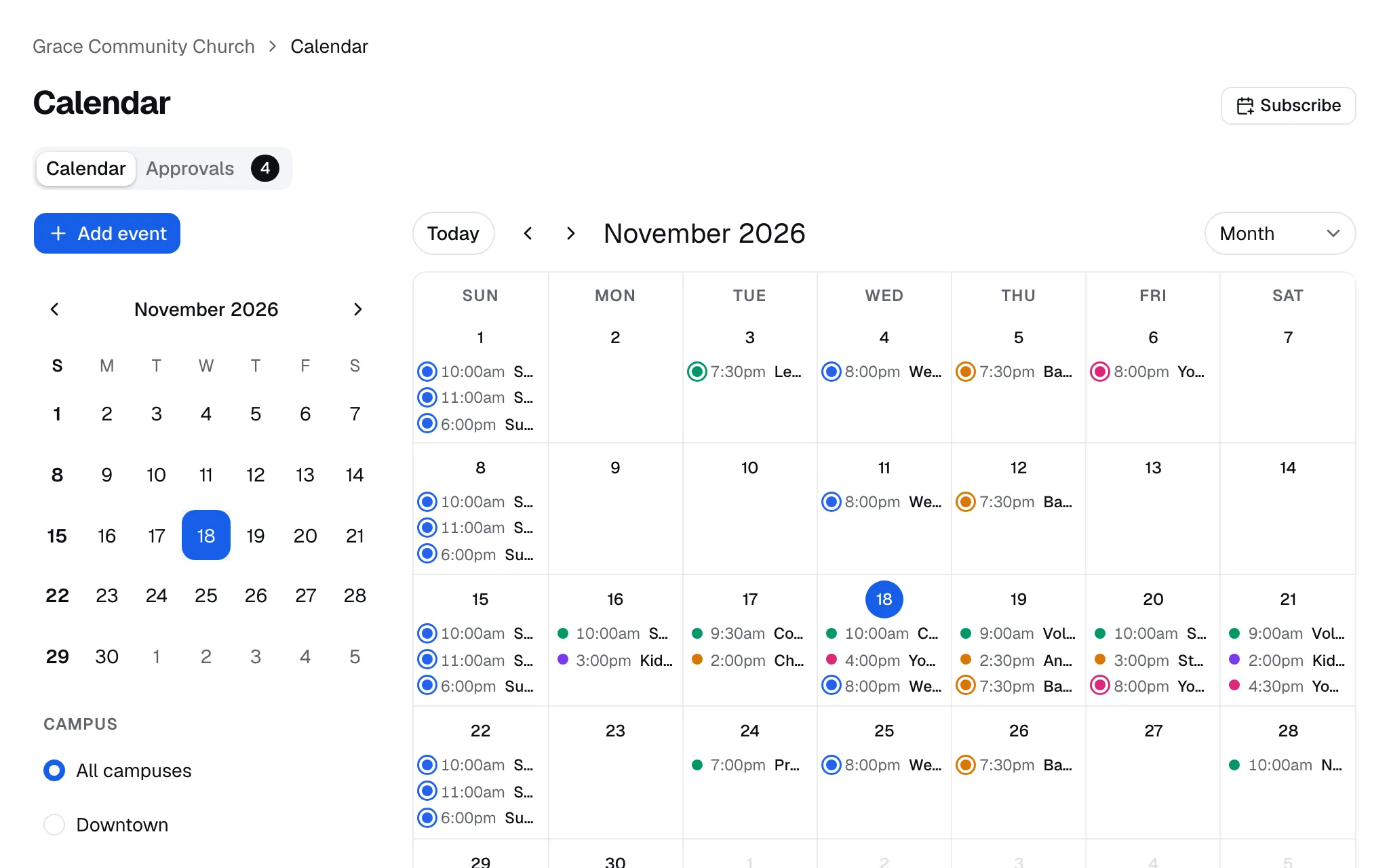
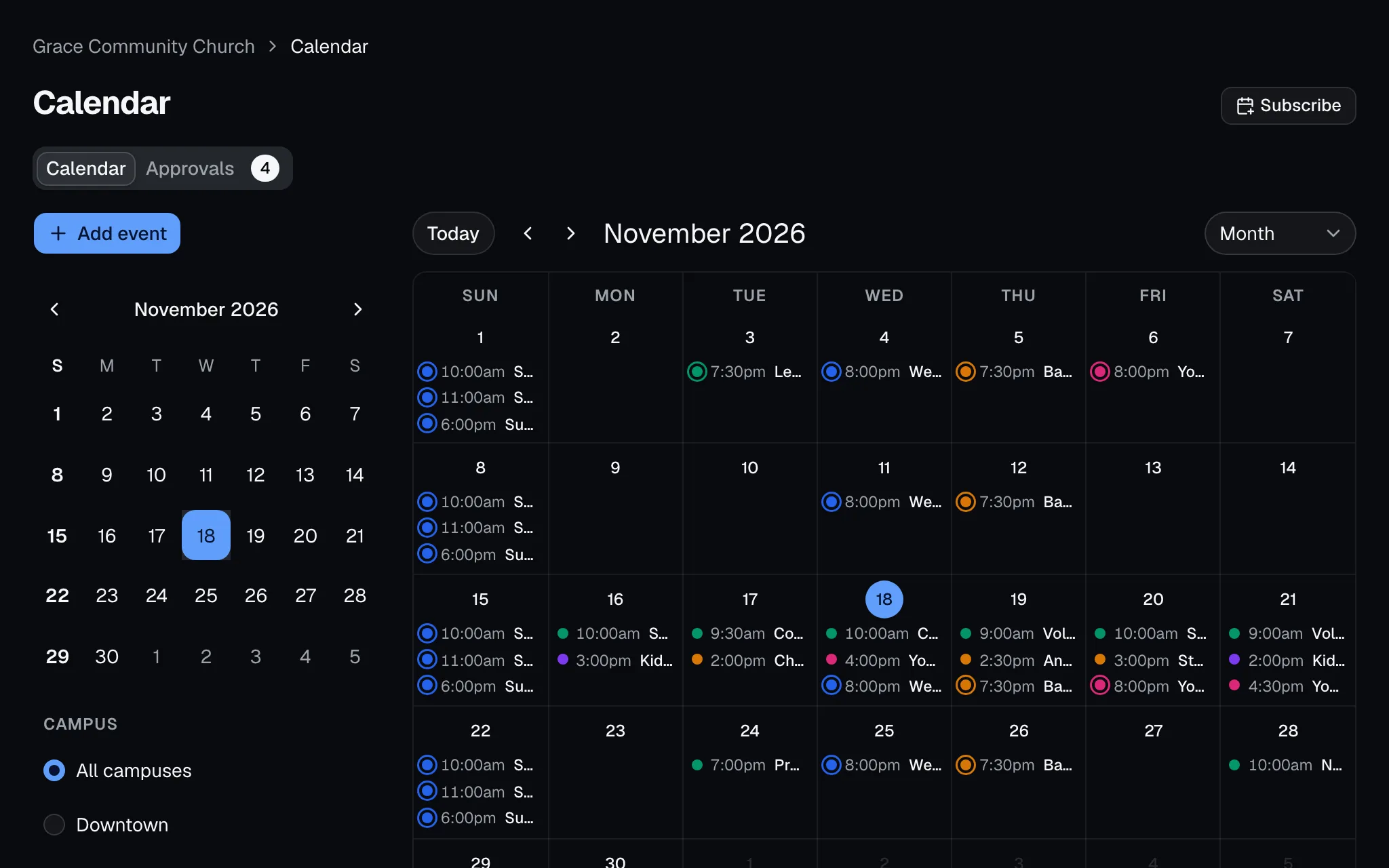
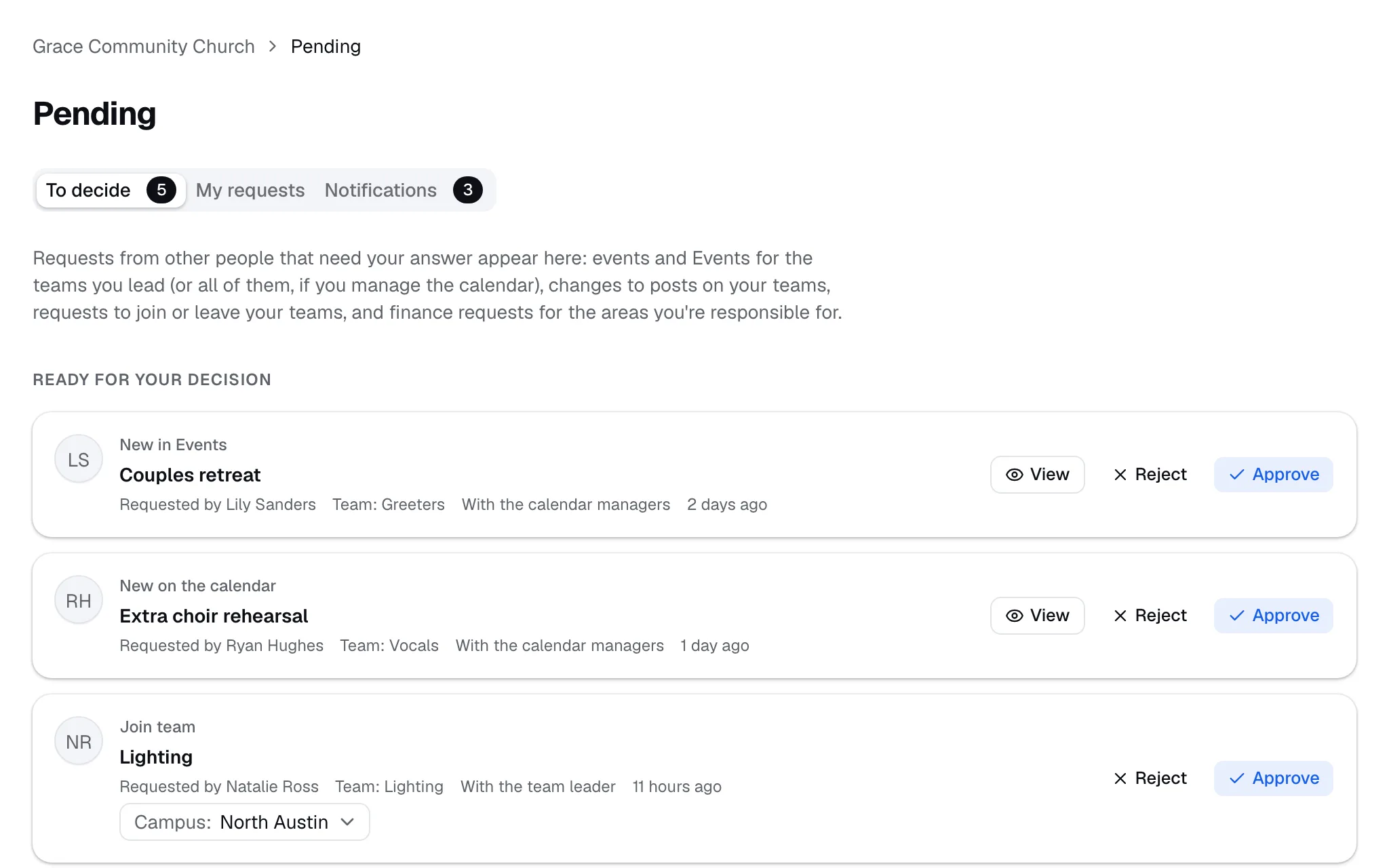
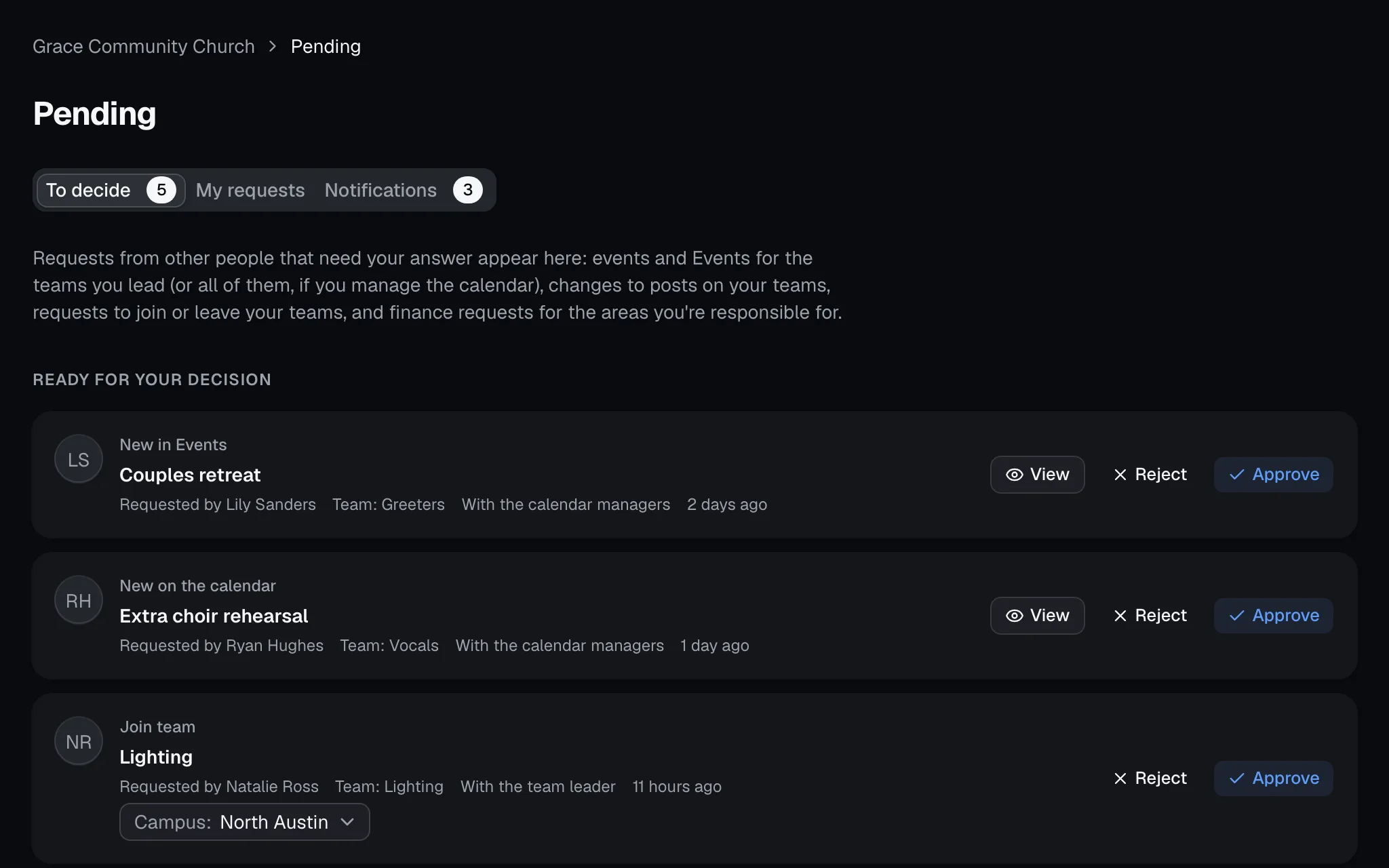
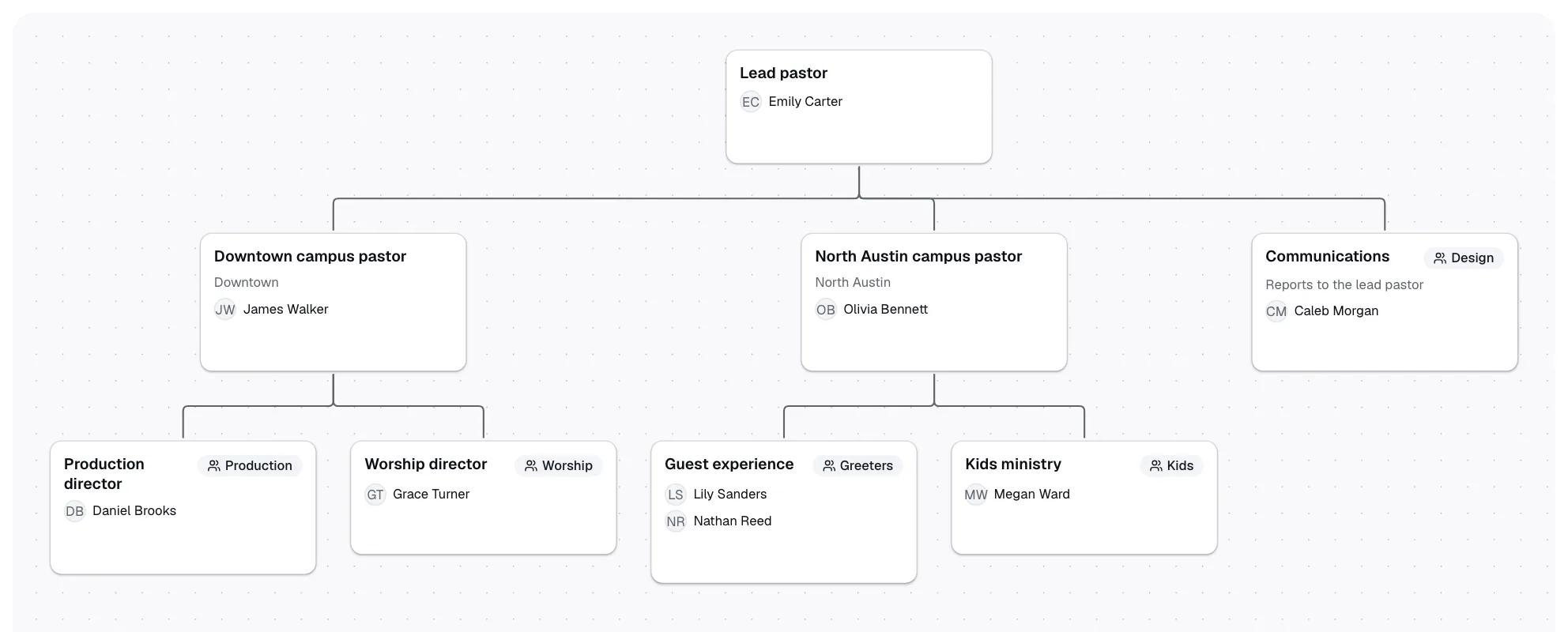
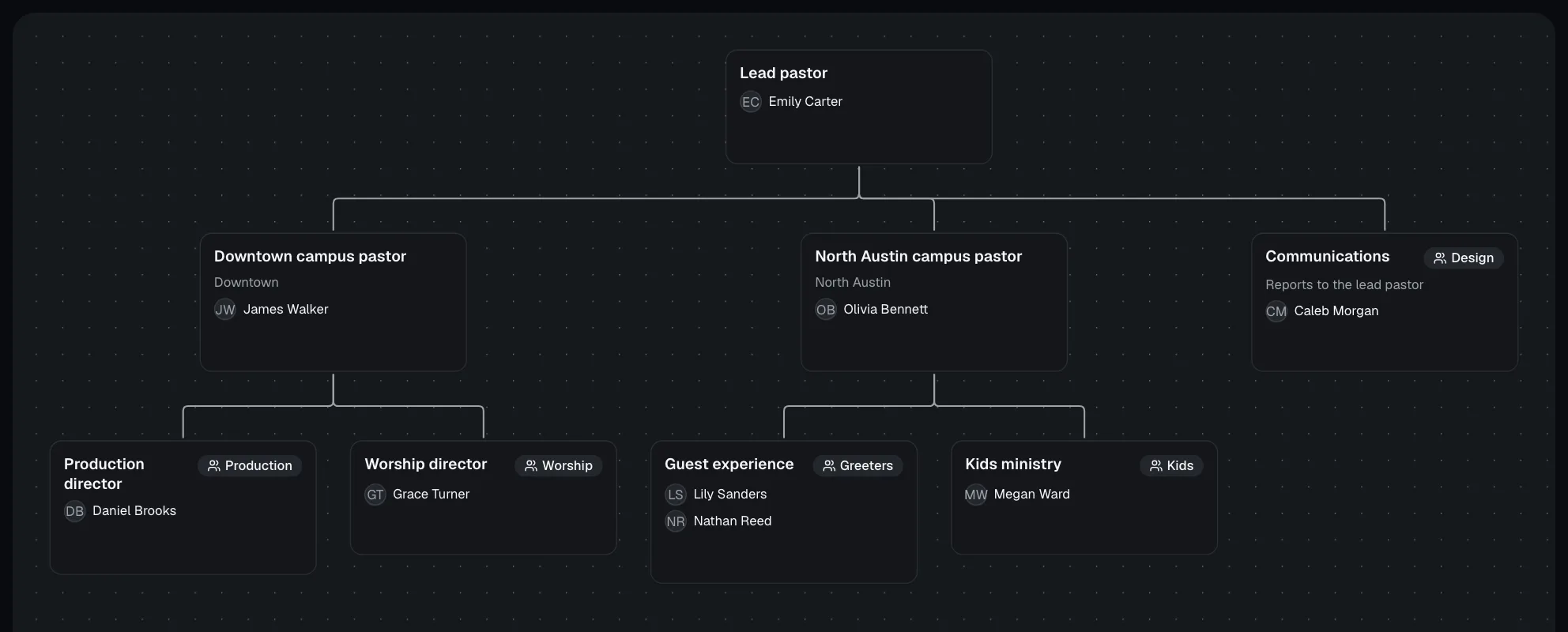
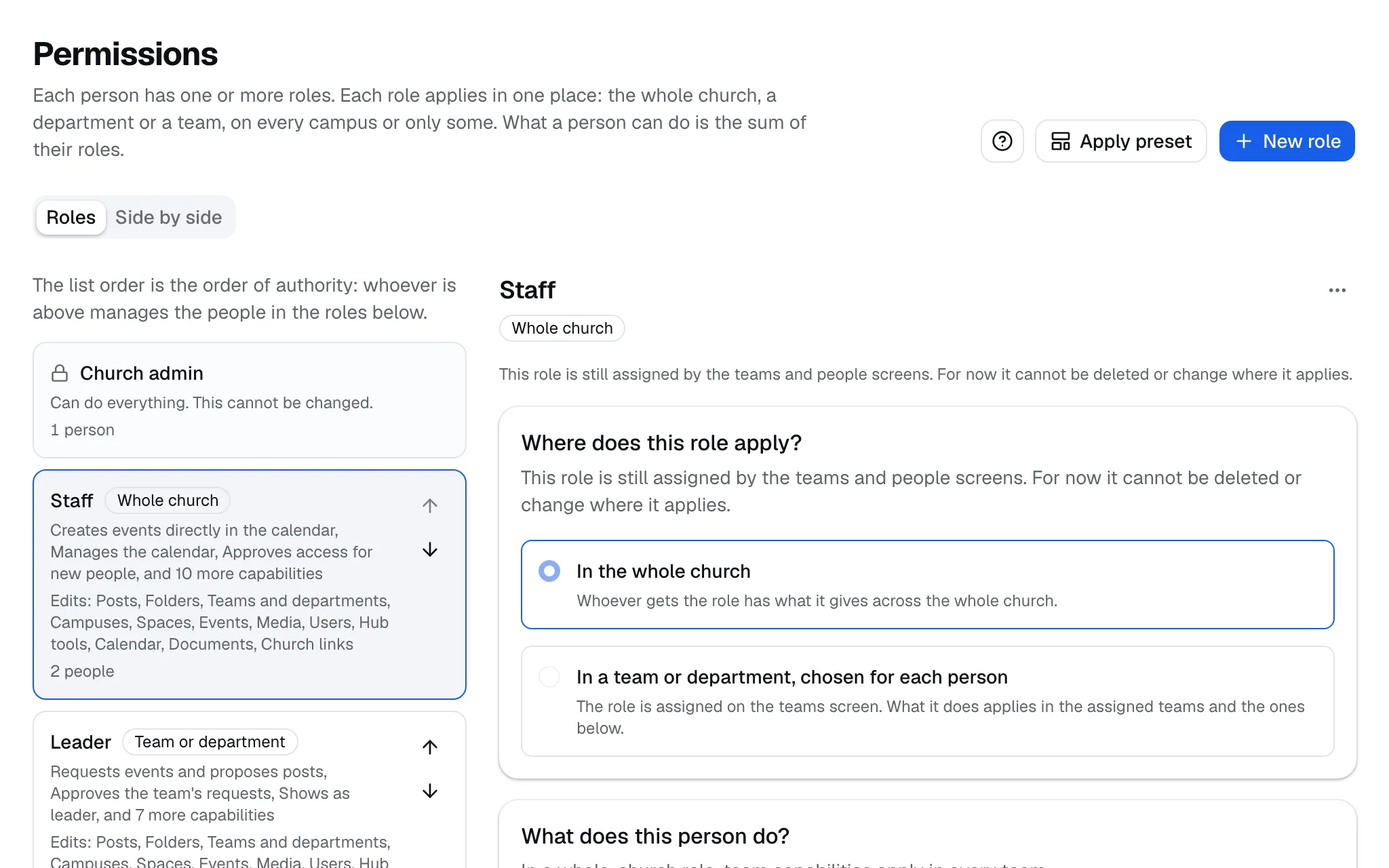
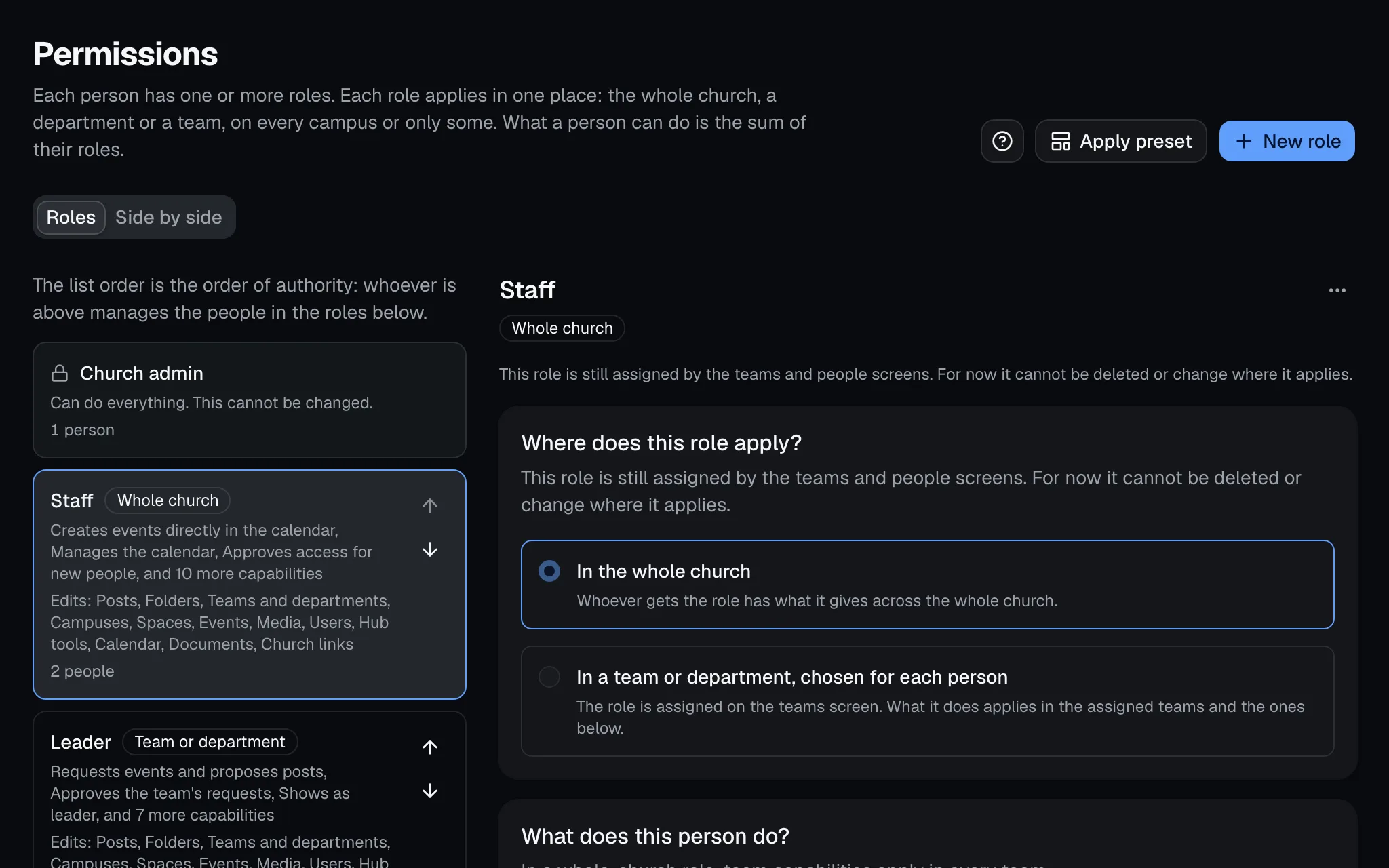
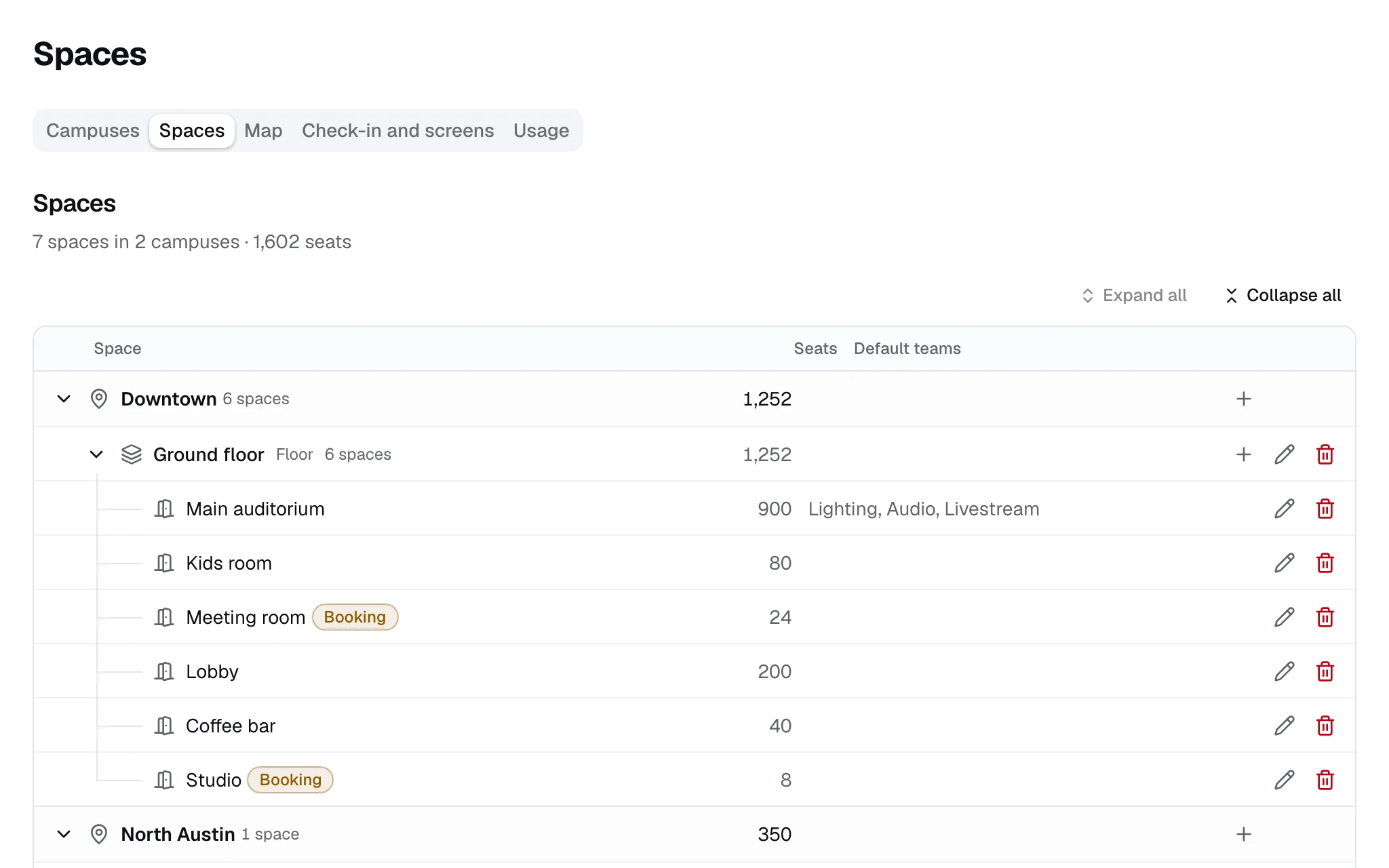
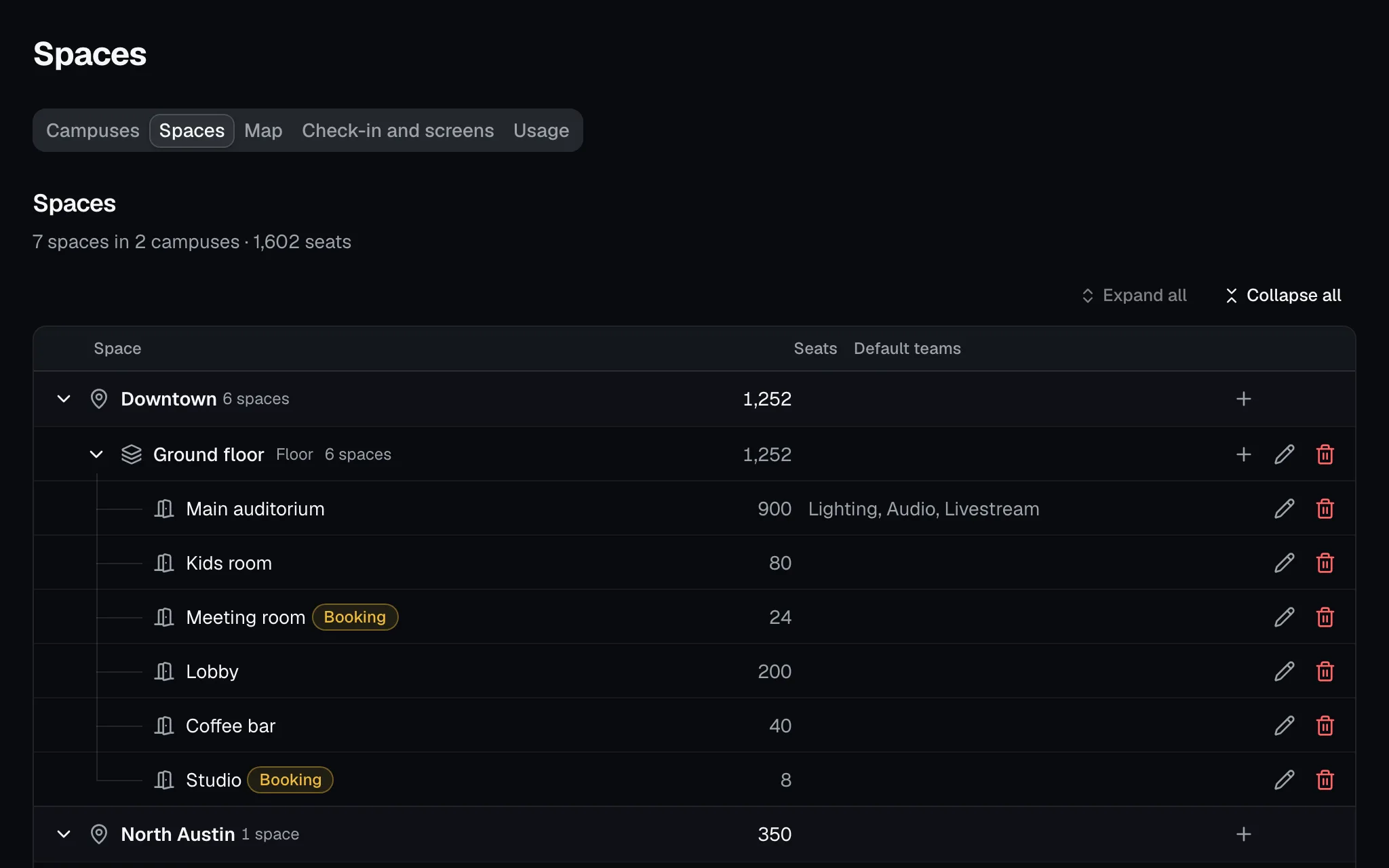
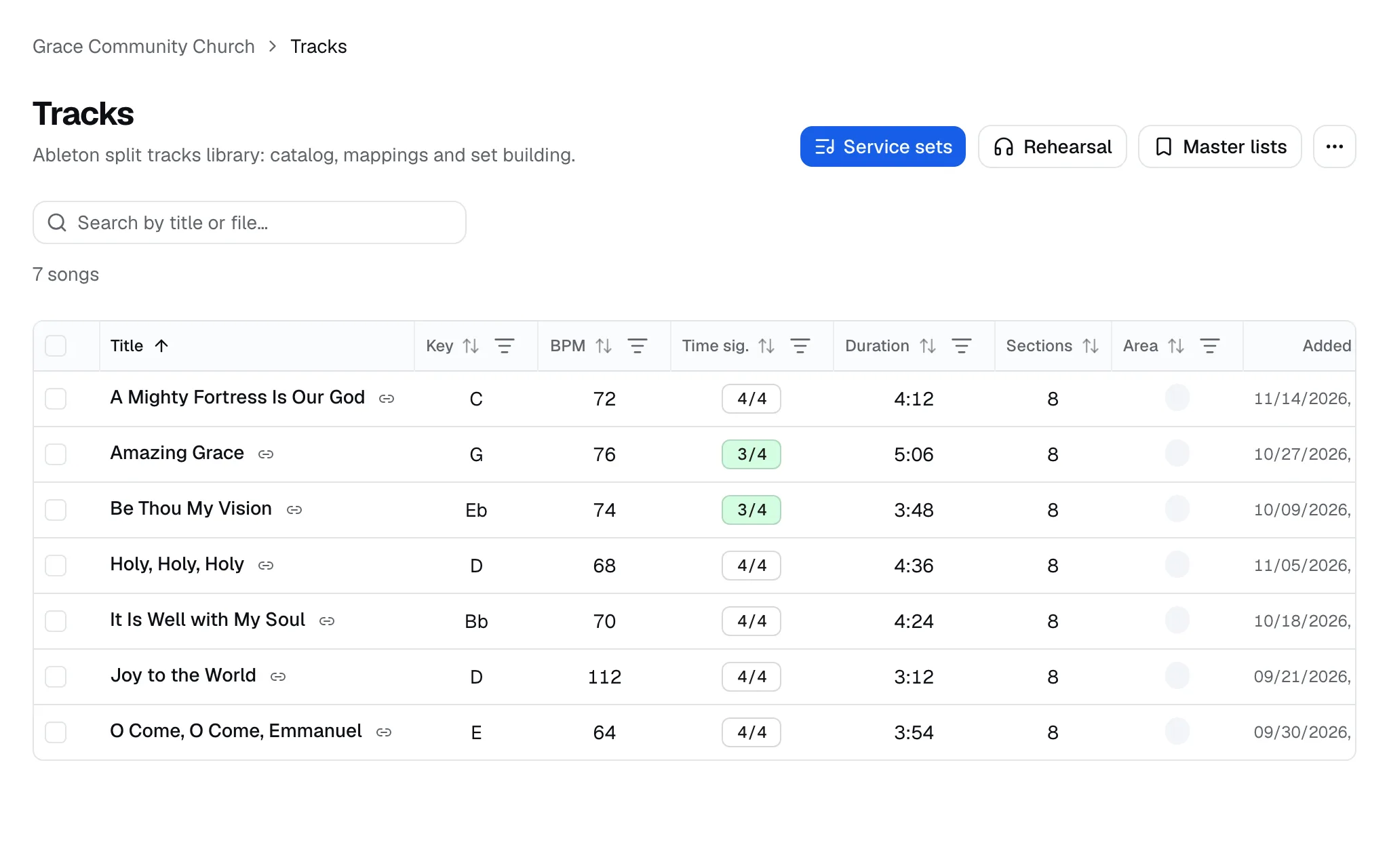
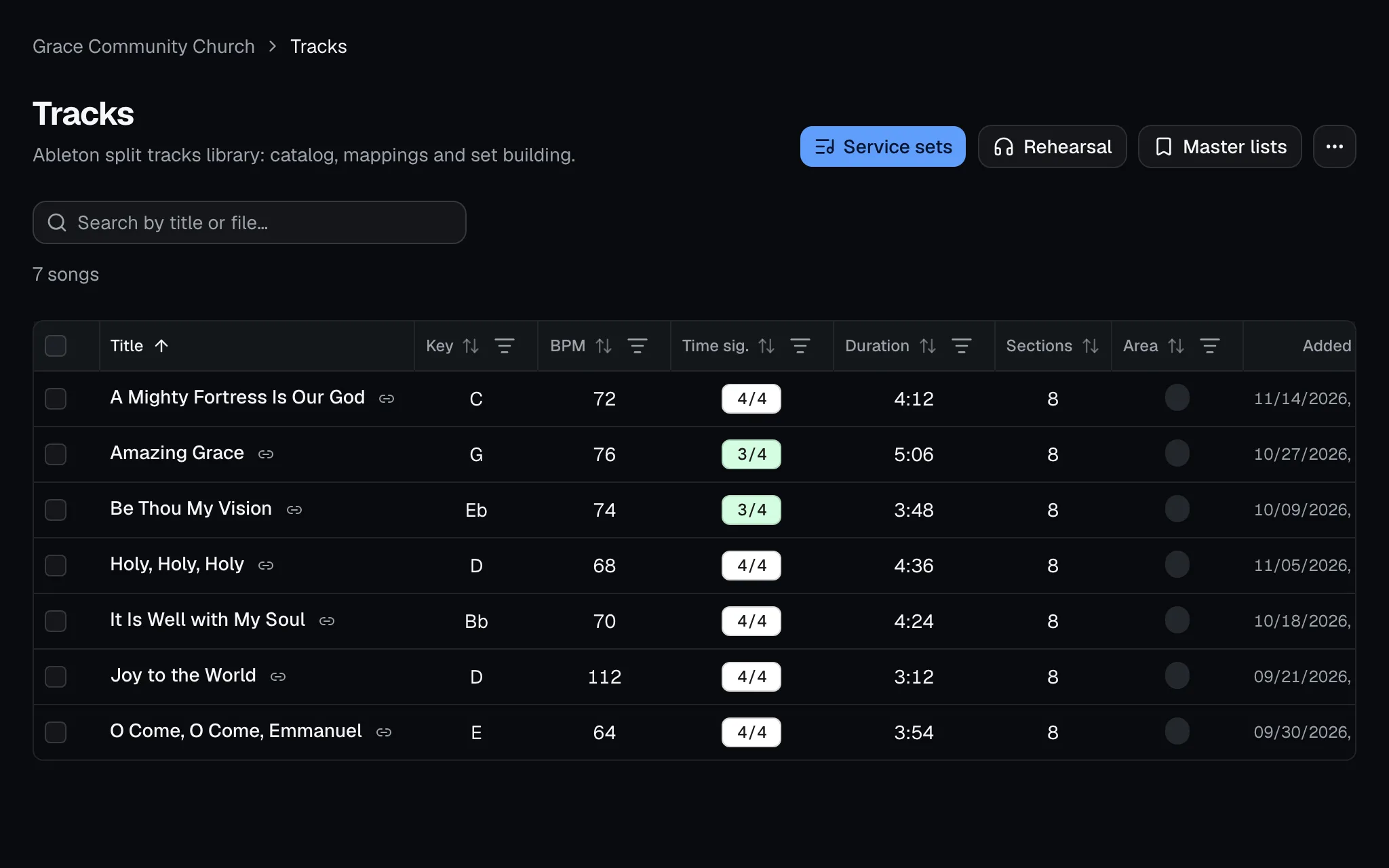
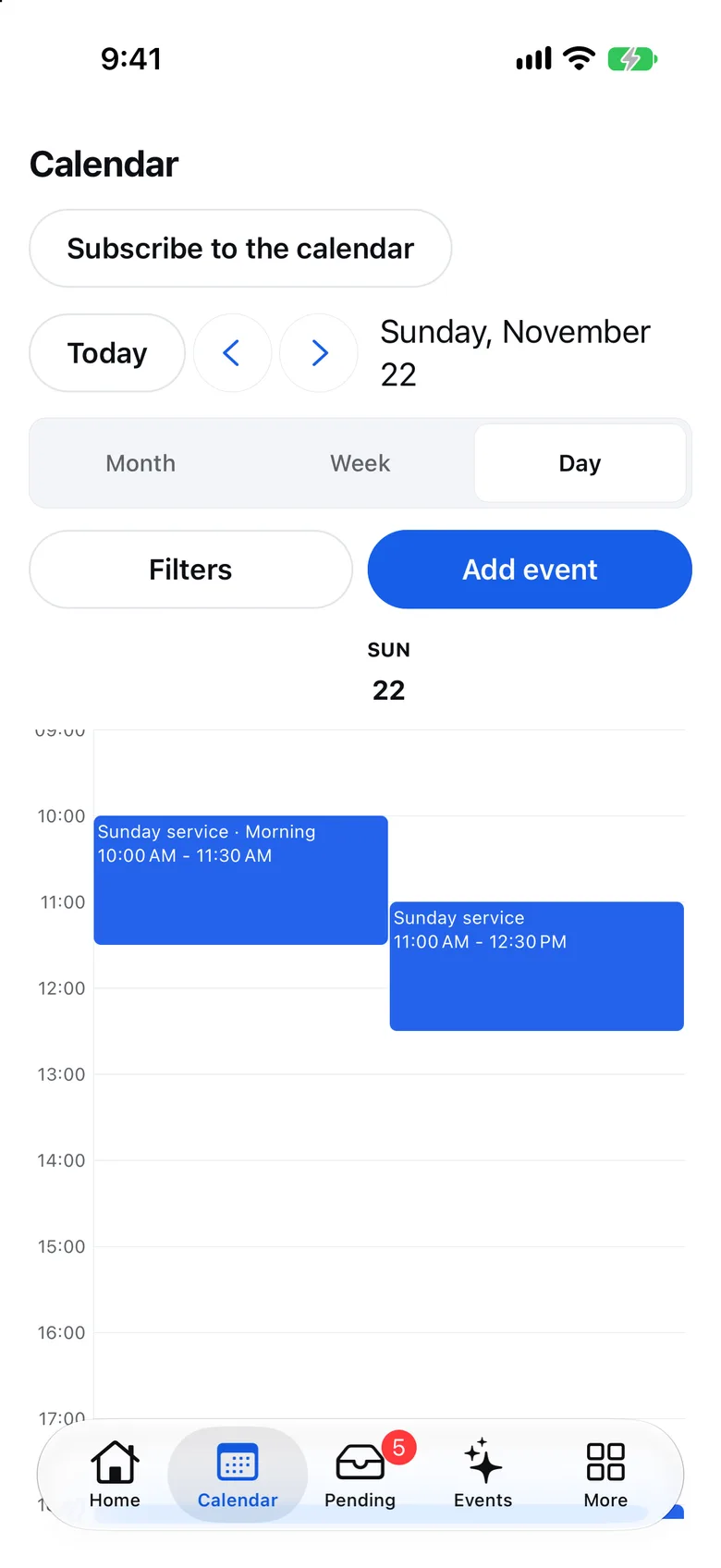
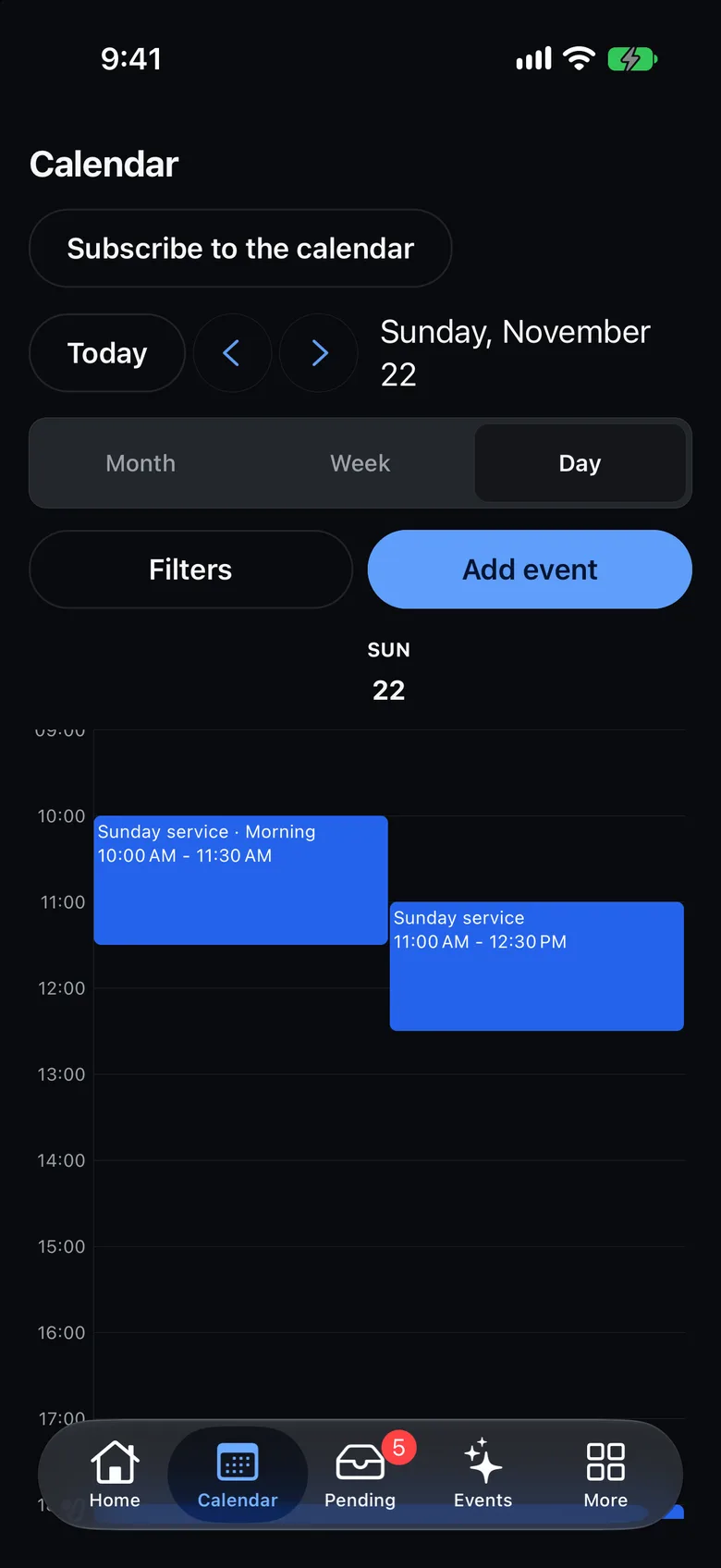
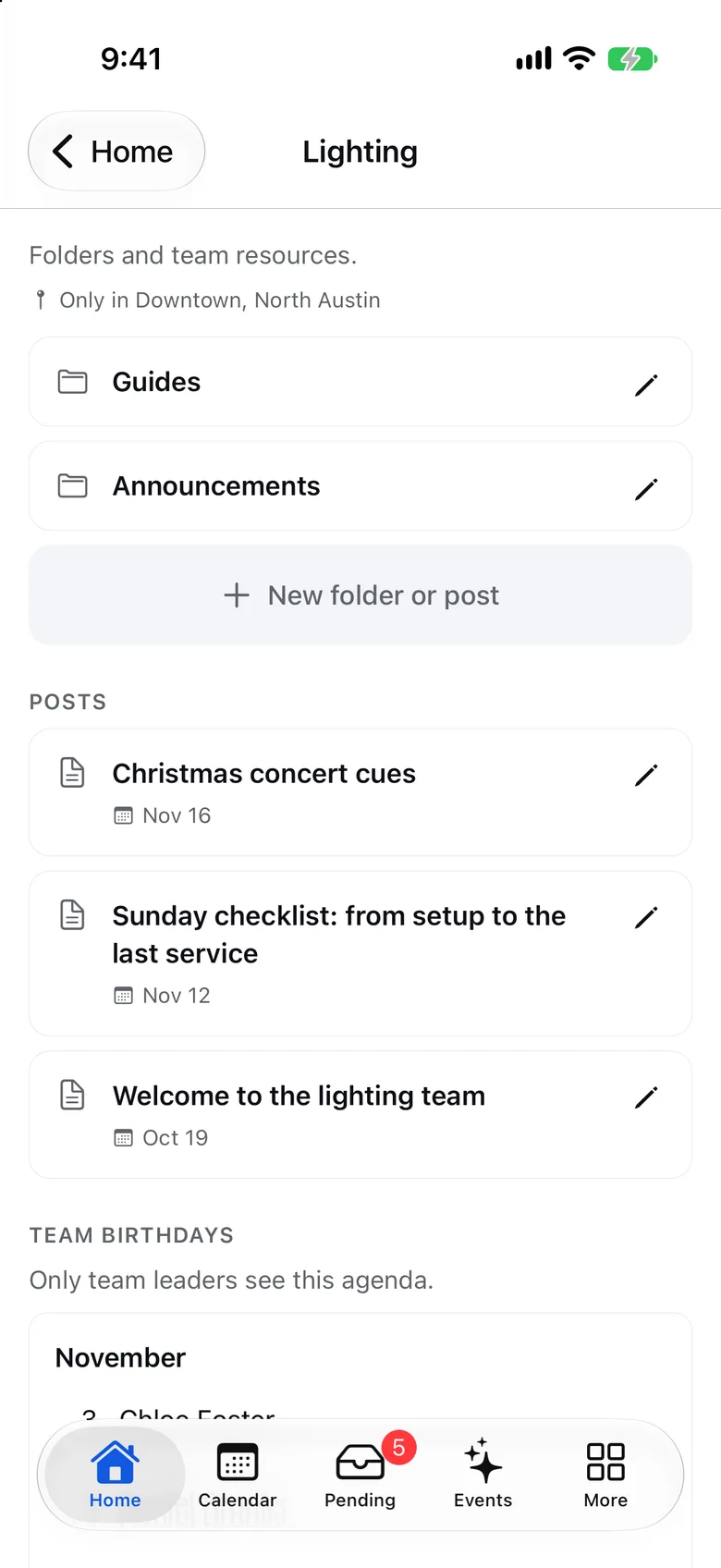
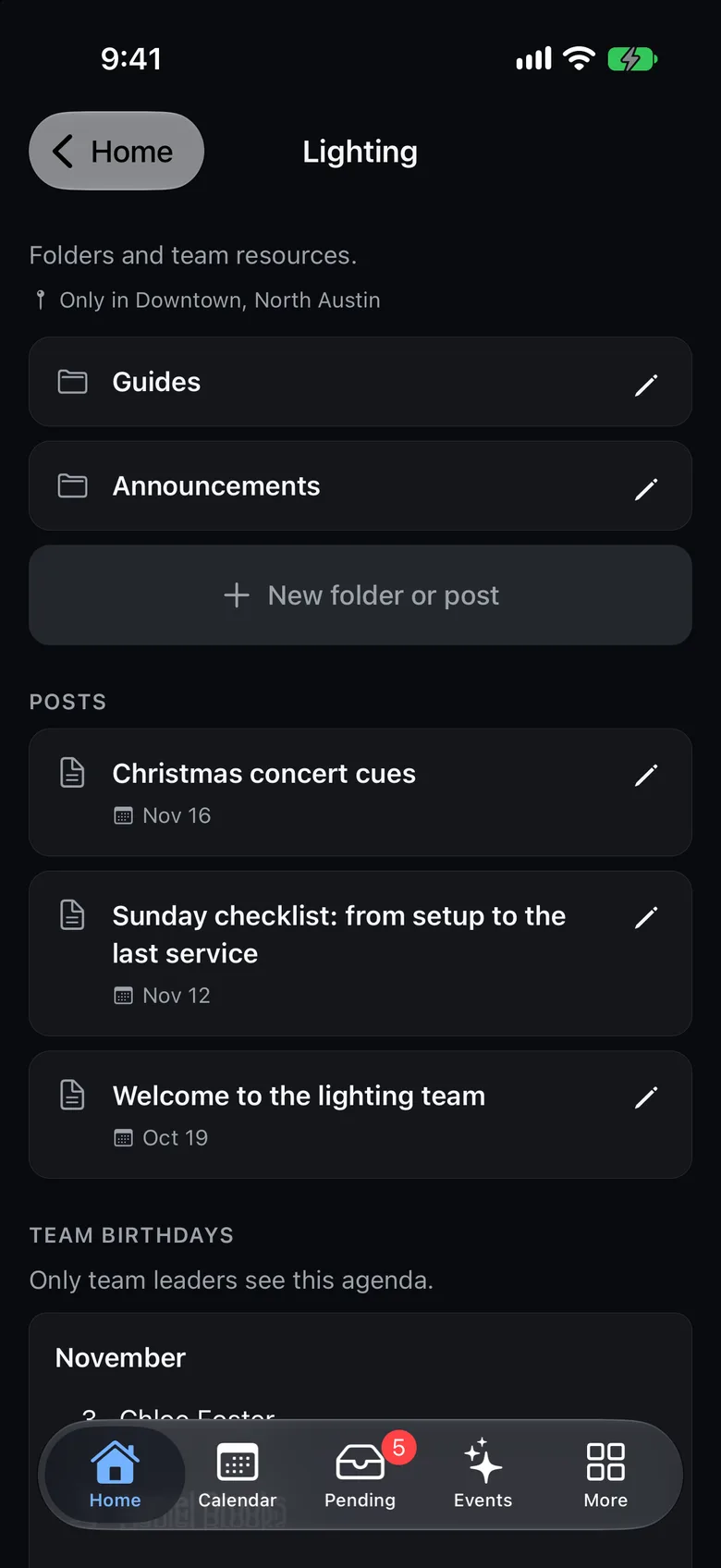
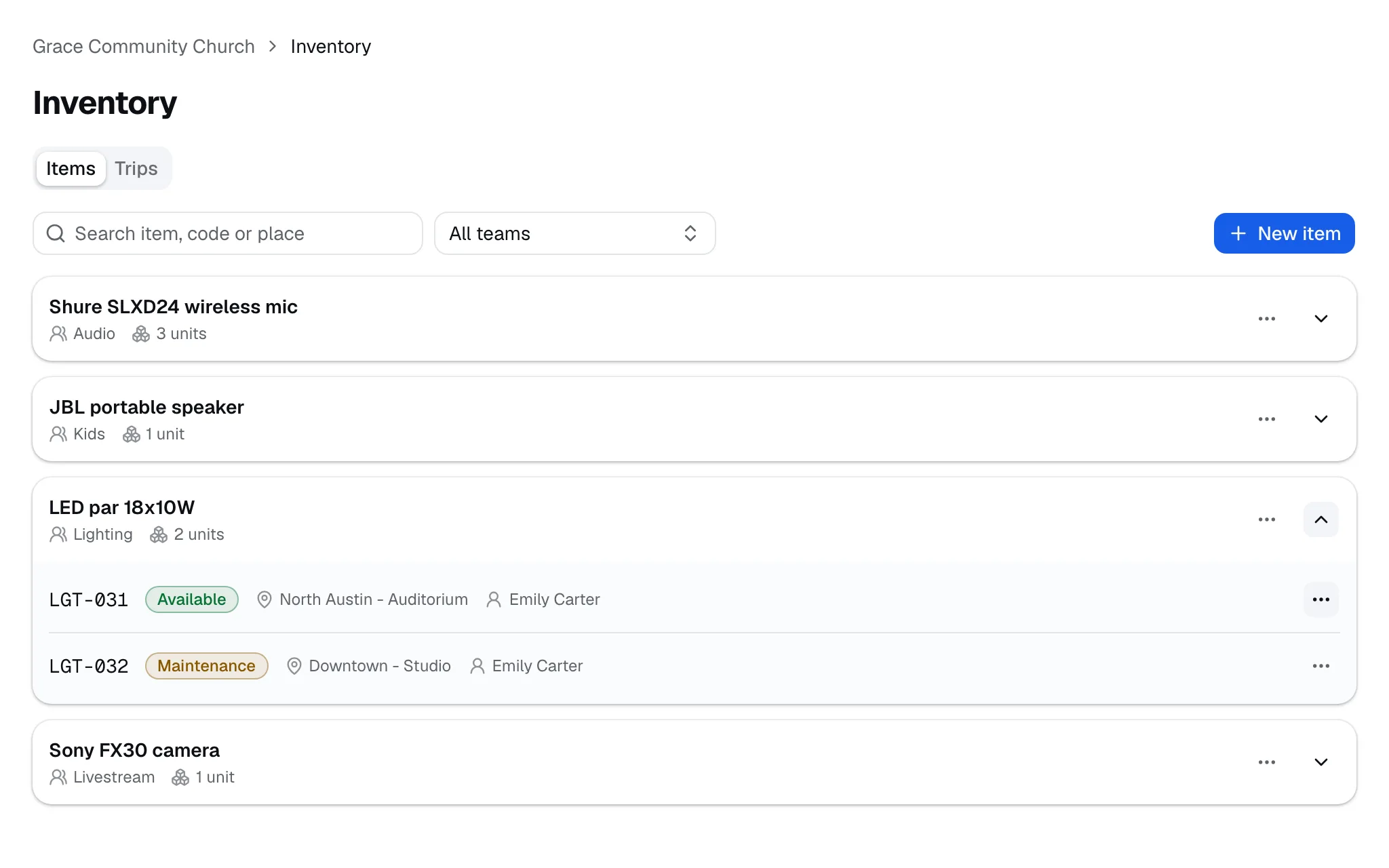
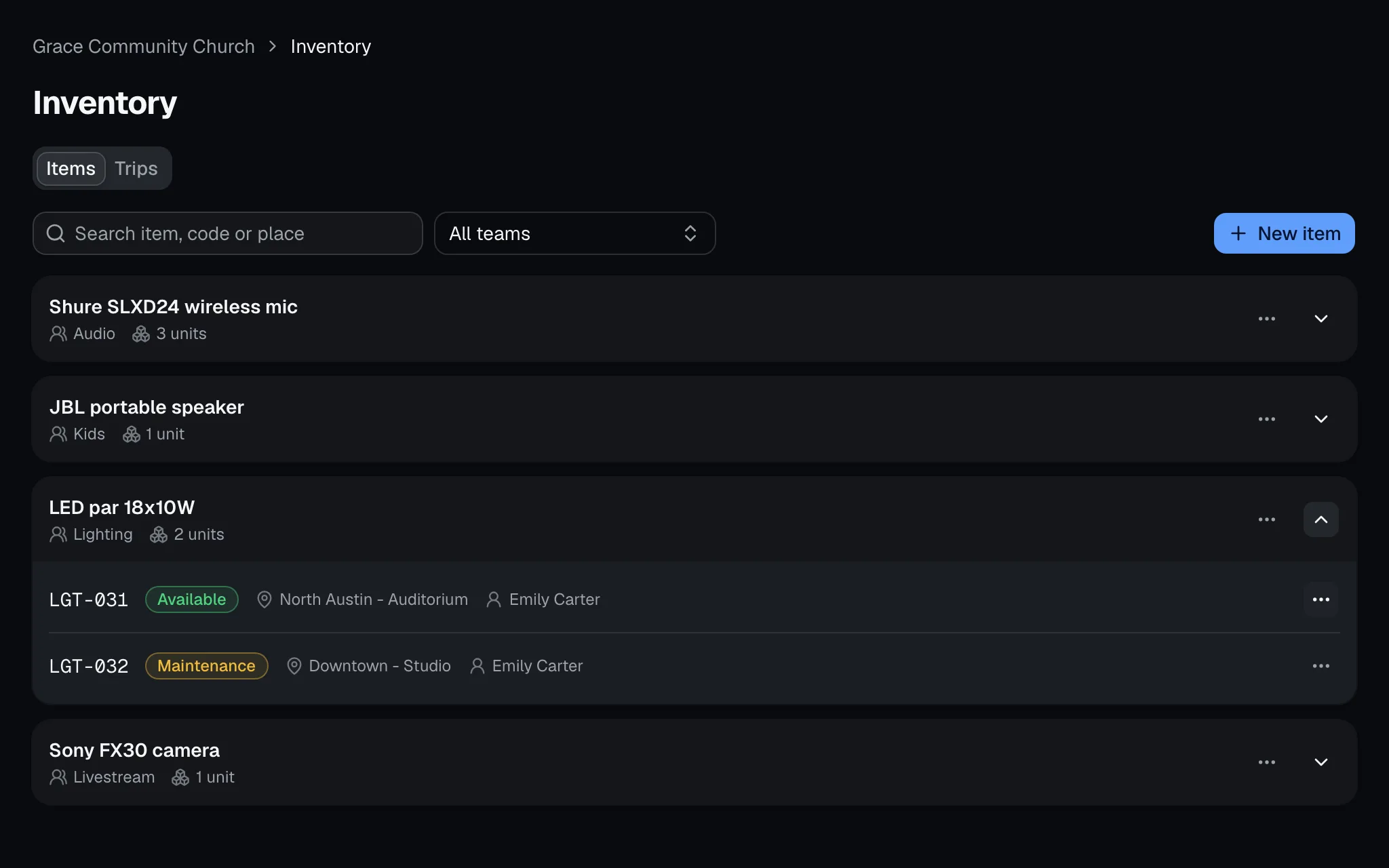
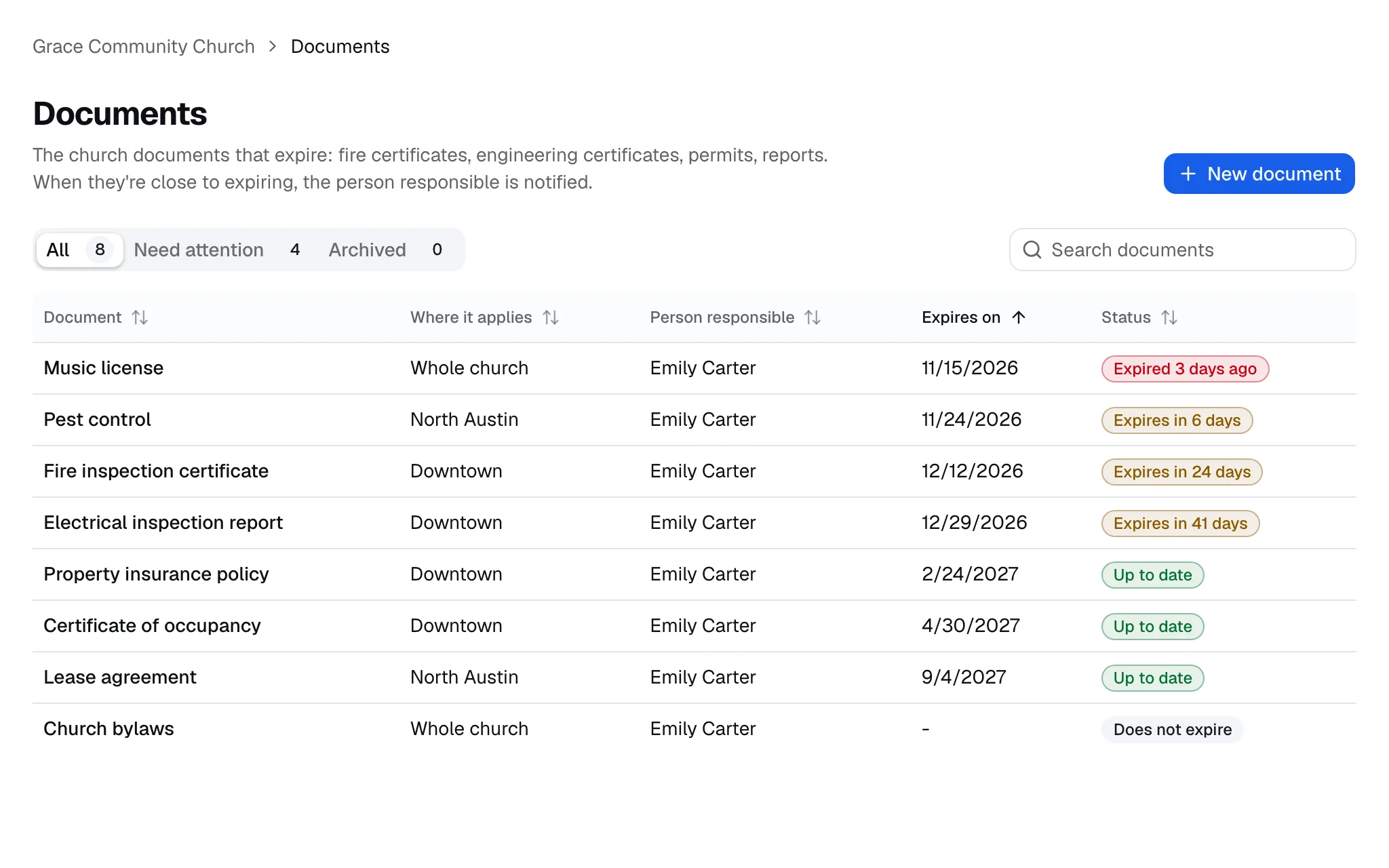
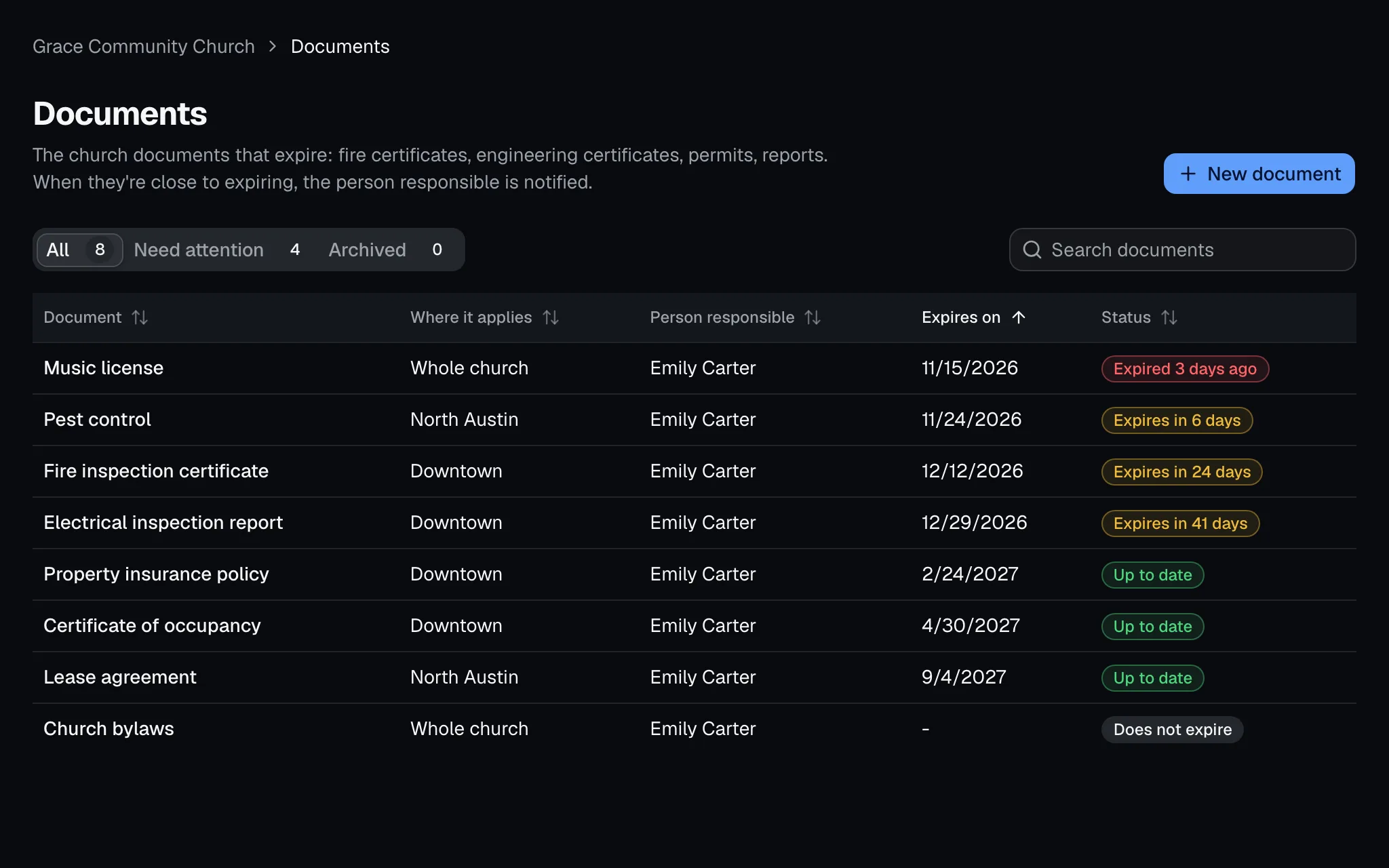
These are real screens from a demo church. Each area keeps the same layout, the same buttons and the same rules about who can see and who can edit.
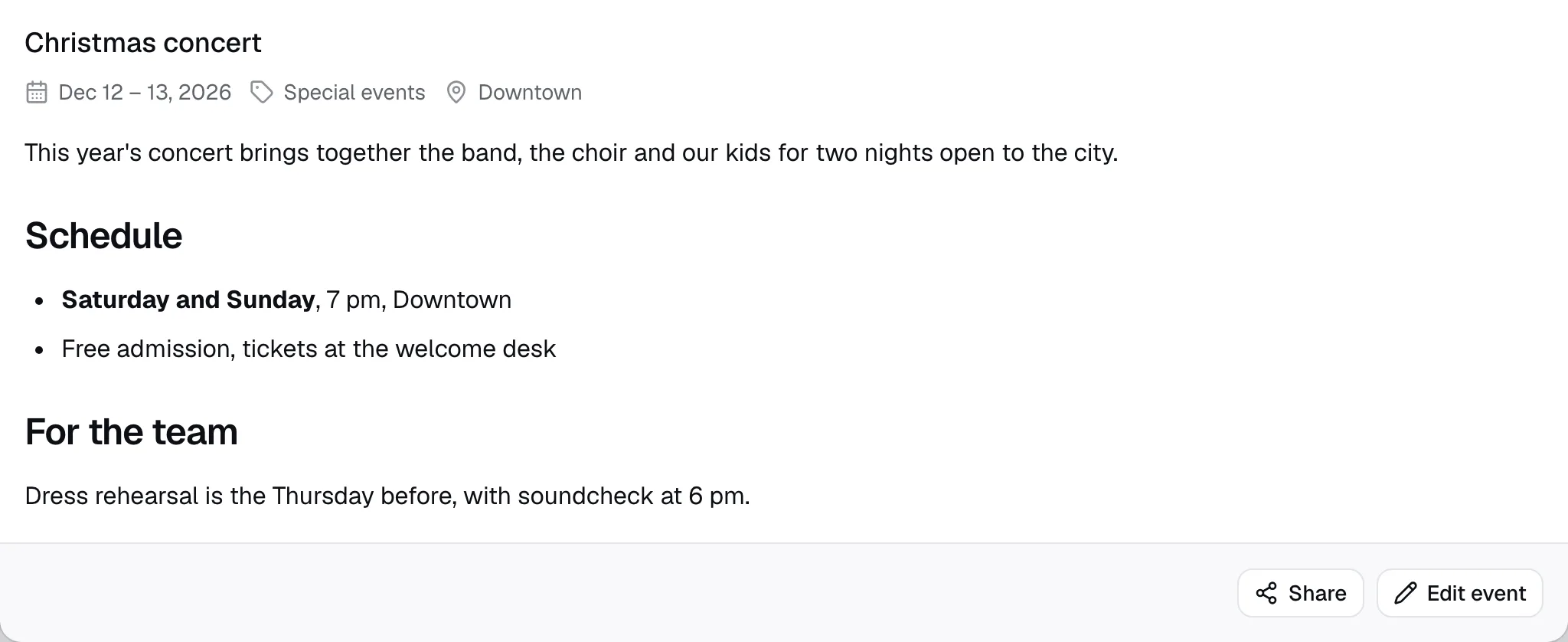
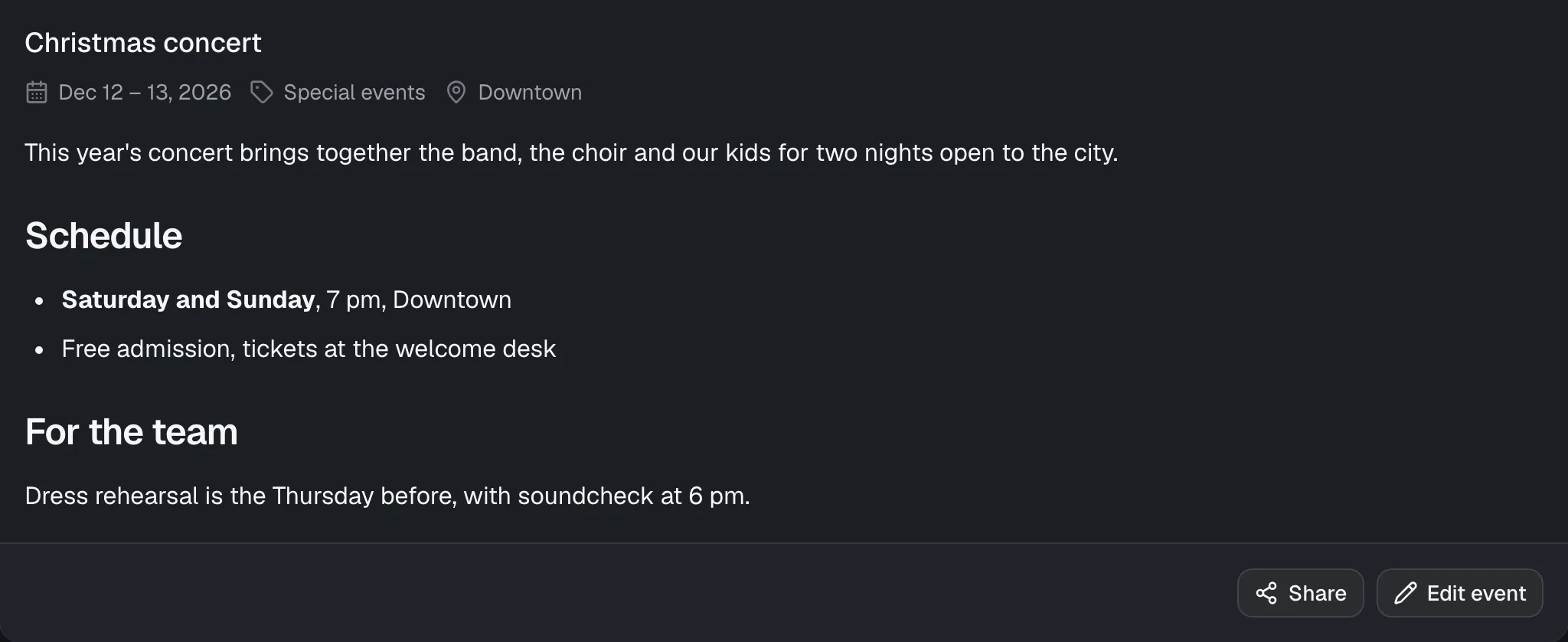
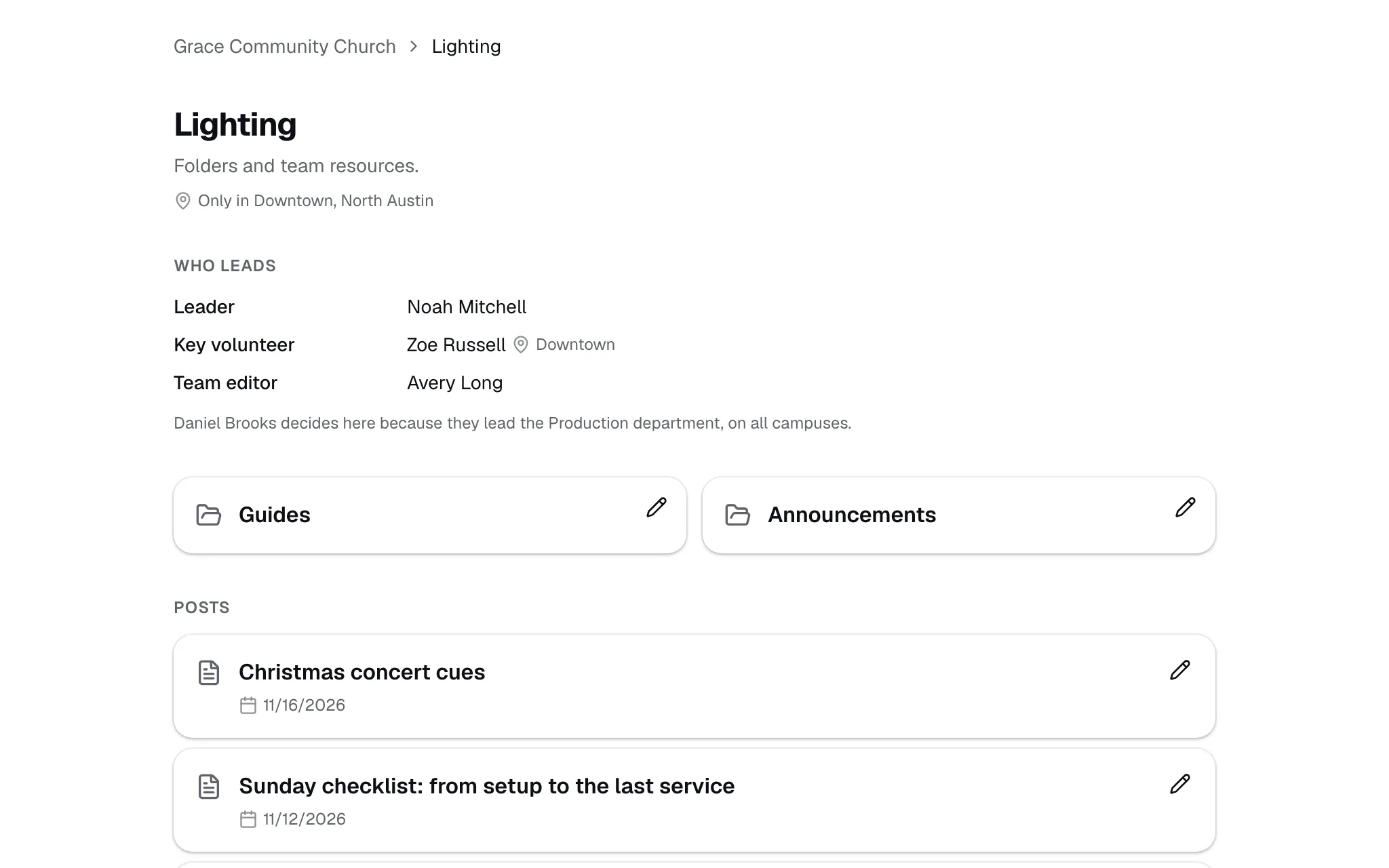
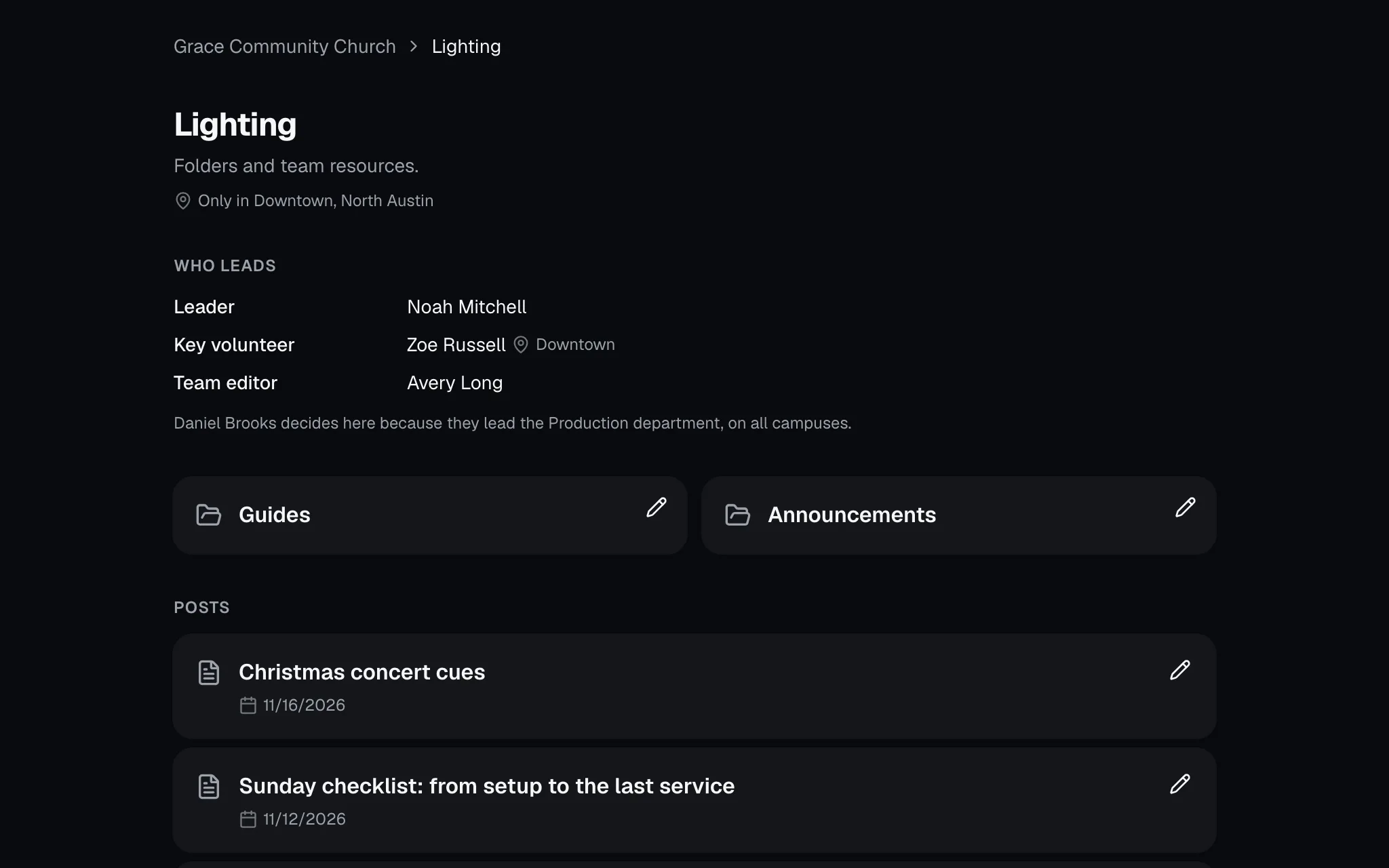
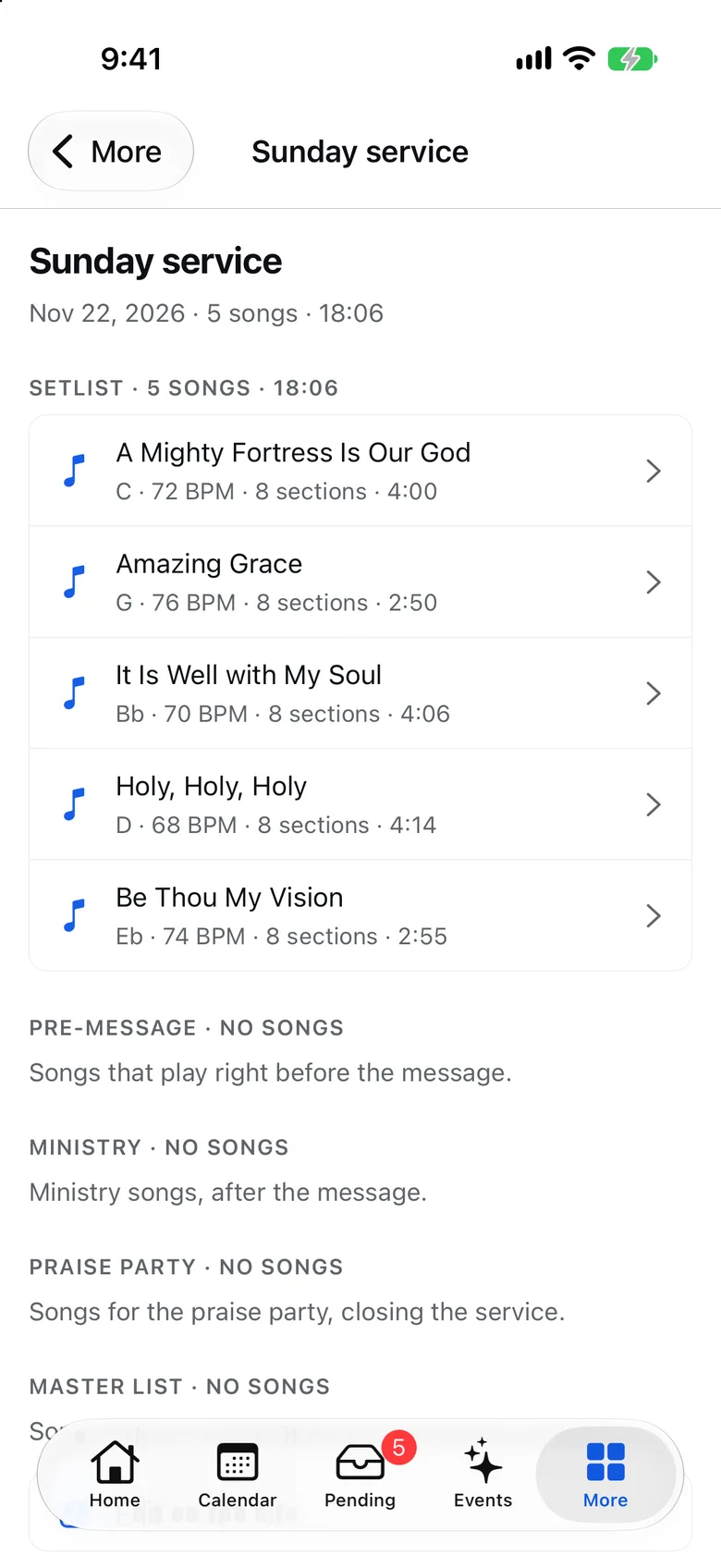
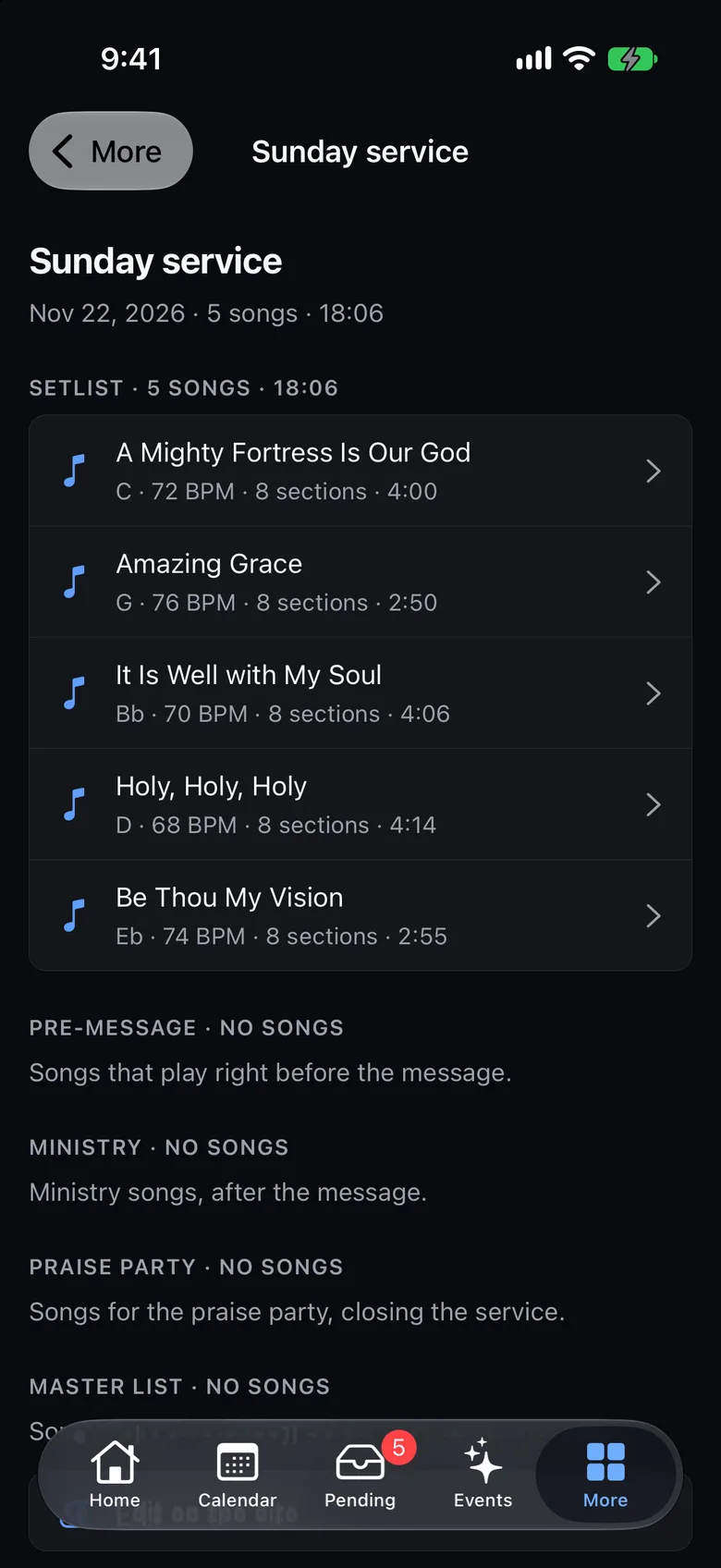
A request goes through whoever decides before it reaches the church
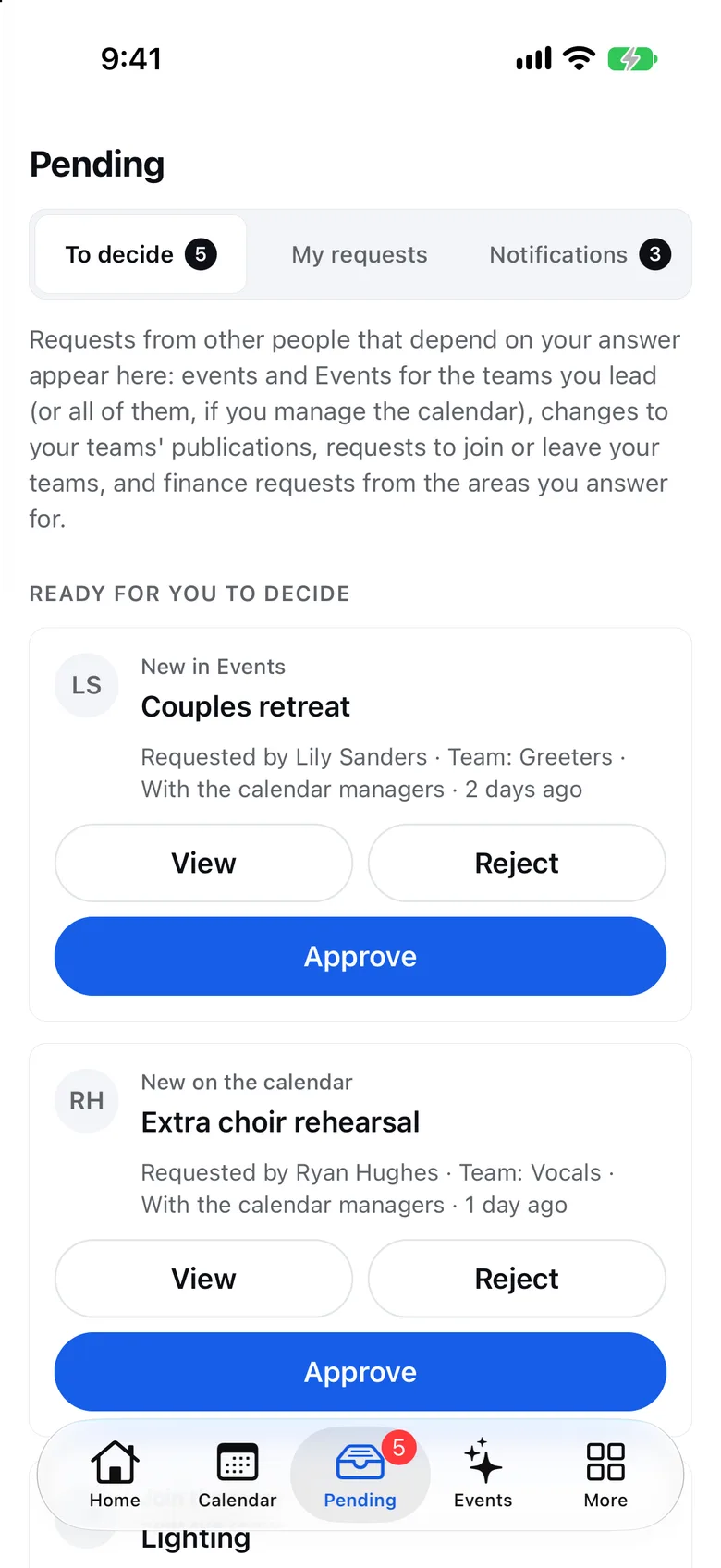
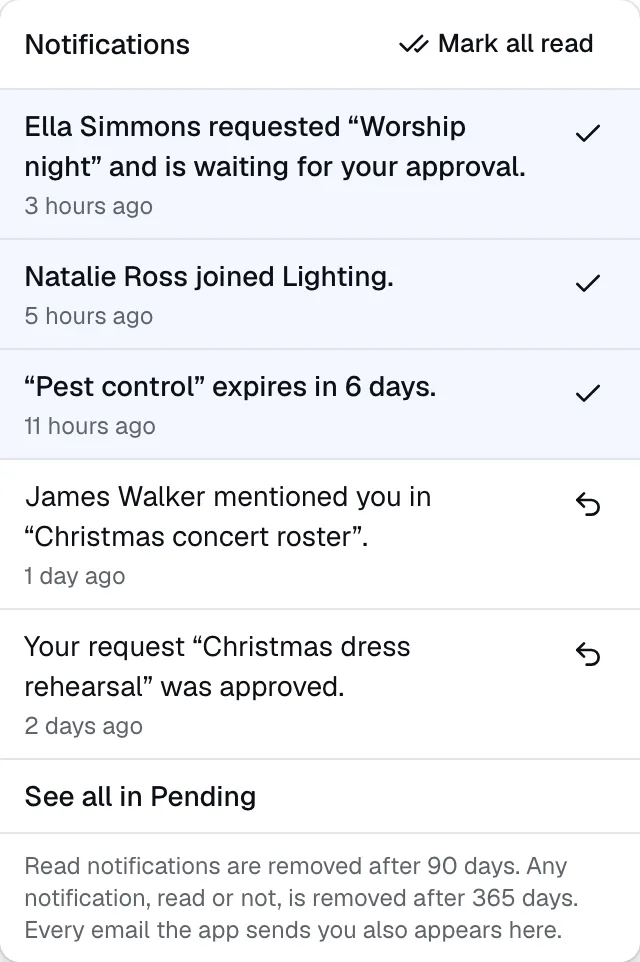
Requests for events, changes and posts follow the church’s structure. Each person finds what is waiting for them under Pending, and nothing appears before it is approved.
- 01
The request
Ella, a key volunteer on the Band, requests a worship night in the main auditorium.
- 02
The team leader
Chloe, who leads the Band, or Grace, who leads the Worship department, approves the request or sends it back with a comment.
- 03
The calendar
Emily, who runs the calendar, confirms it, and the worship night shows up for the whole church.
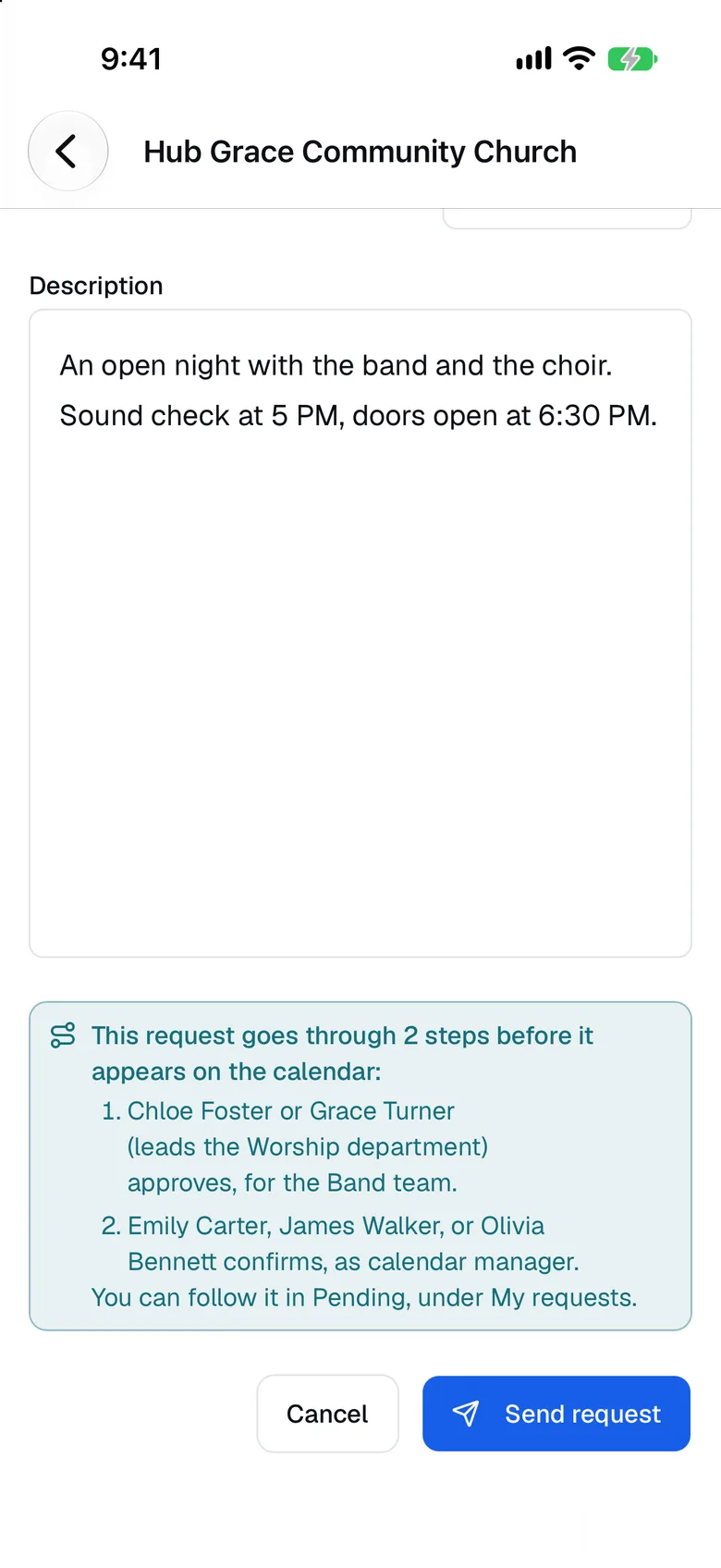
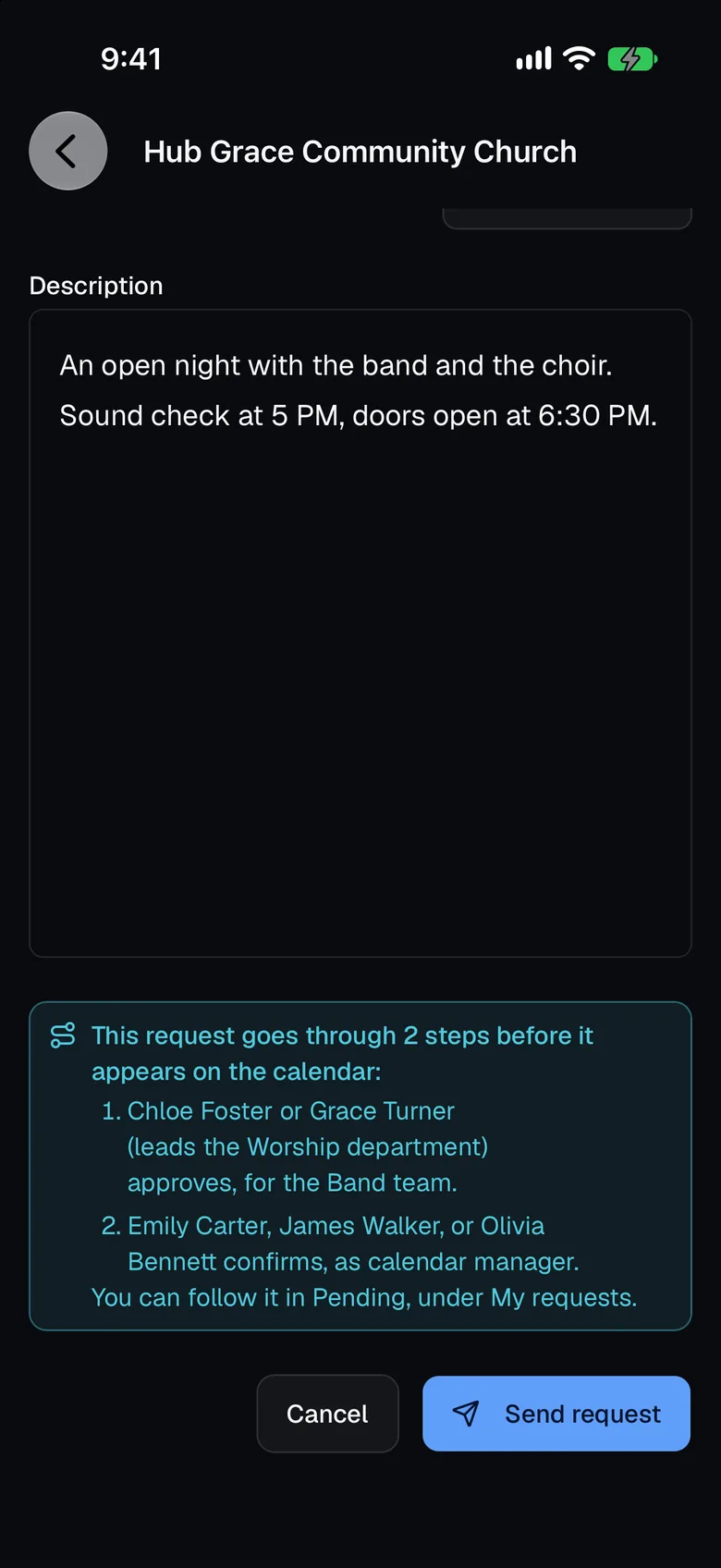


Whoever decides gets a notice on the bell and finds the request in Pending. The person who asked follows each step in the My requests tab.
What comes with the platform
Each area has its own page with what it does today and what changes for leaders.
- CalendarRecurring events, room booking and Google Calendar subscription.
- ApprovalsRequests go through whoever decides before they reach the calendar.
- EventsConferences and retreats with their own page, cover, date and place.
- Teams and postsDepartments, sub-teams and a page for each team, with posts.
- Org chartRoles, people and campuses, including shared or vacant roles.
- Roles and permissionsRoles and a View, Edit or None matrix for each area.
- FinanceReimbursement requests with a protocol number and email updates.
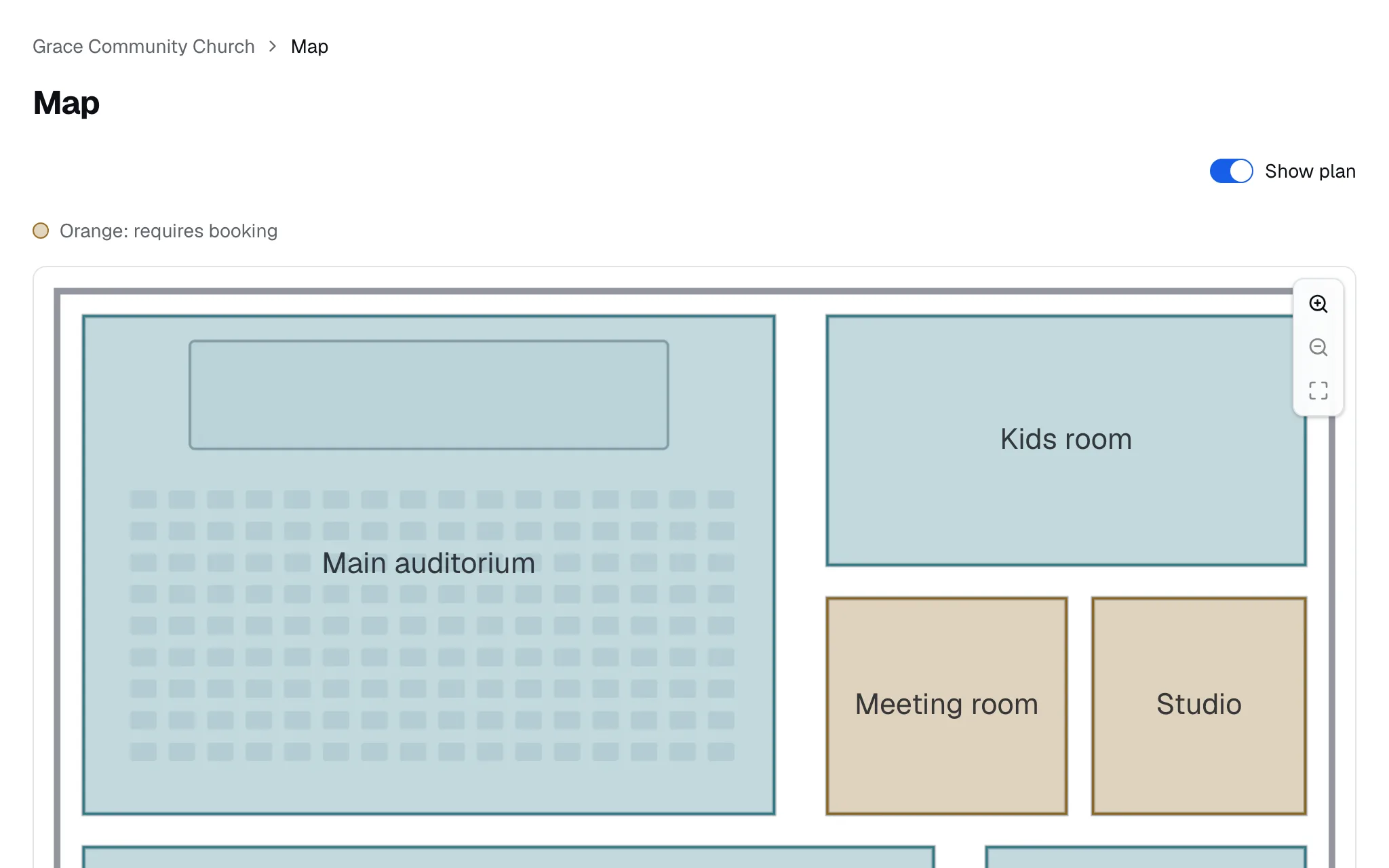
- Spaces and roomsFloors, rooms and today’s bookings, with a door screen for tablets.
- Church mapThe building plan, with rooms drawn floor by floor.
- Tracks for worshipMultitracks with key and BPM, and setlists exported to Ableton Live.
- InventoryEquipment by location, with QR codes and a check-out record.
- DocumentsTraining files per team, with PDF viewing in the browser.
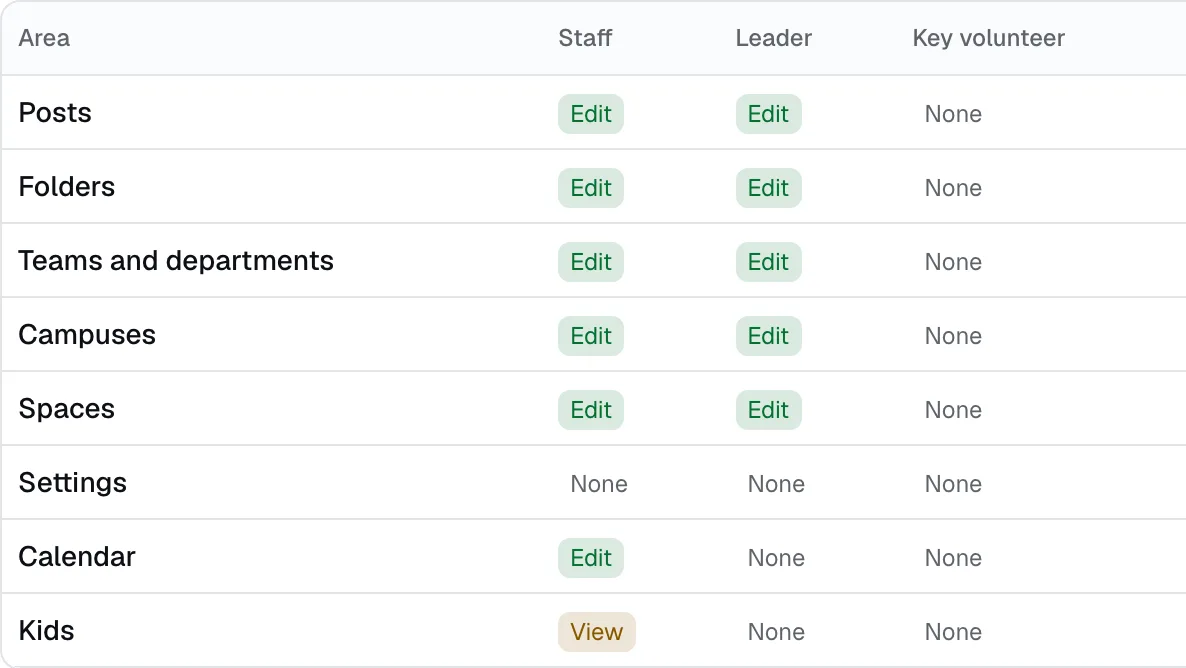
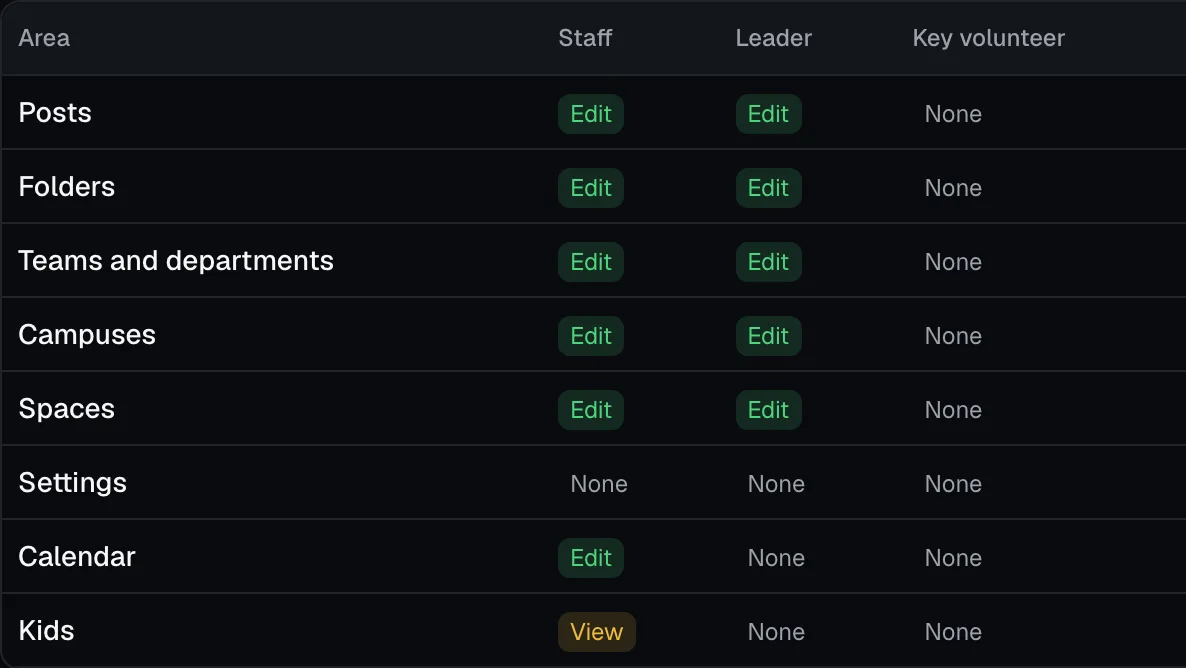
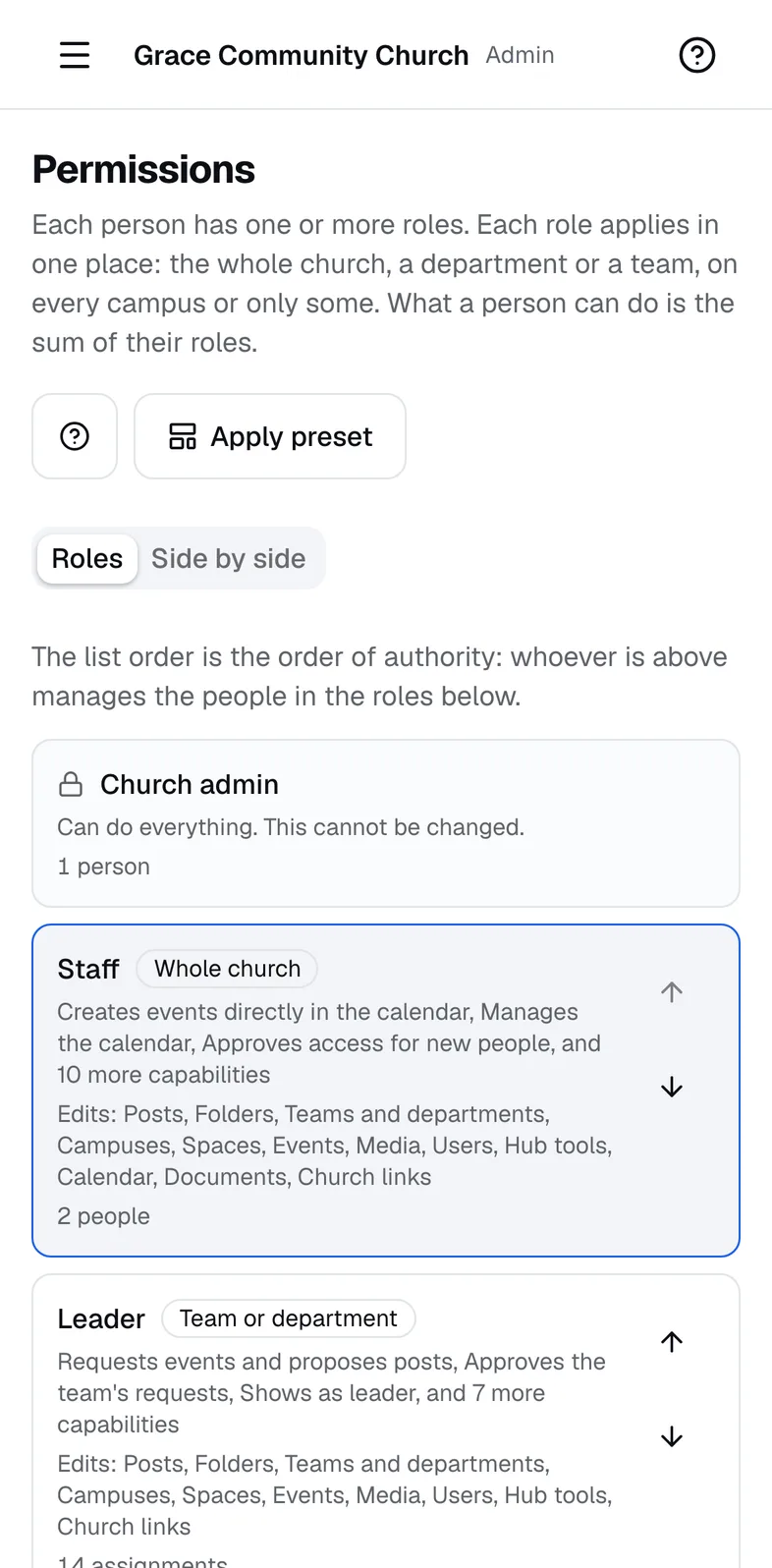
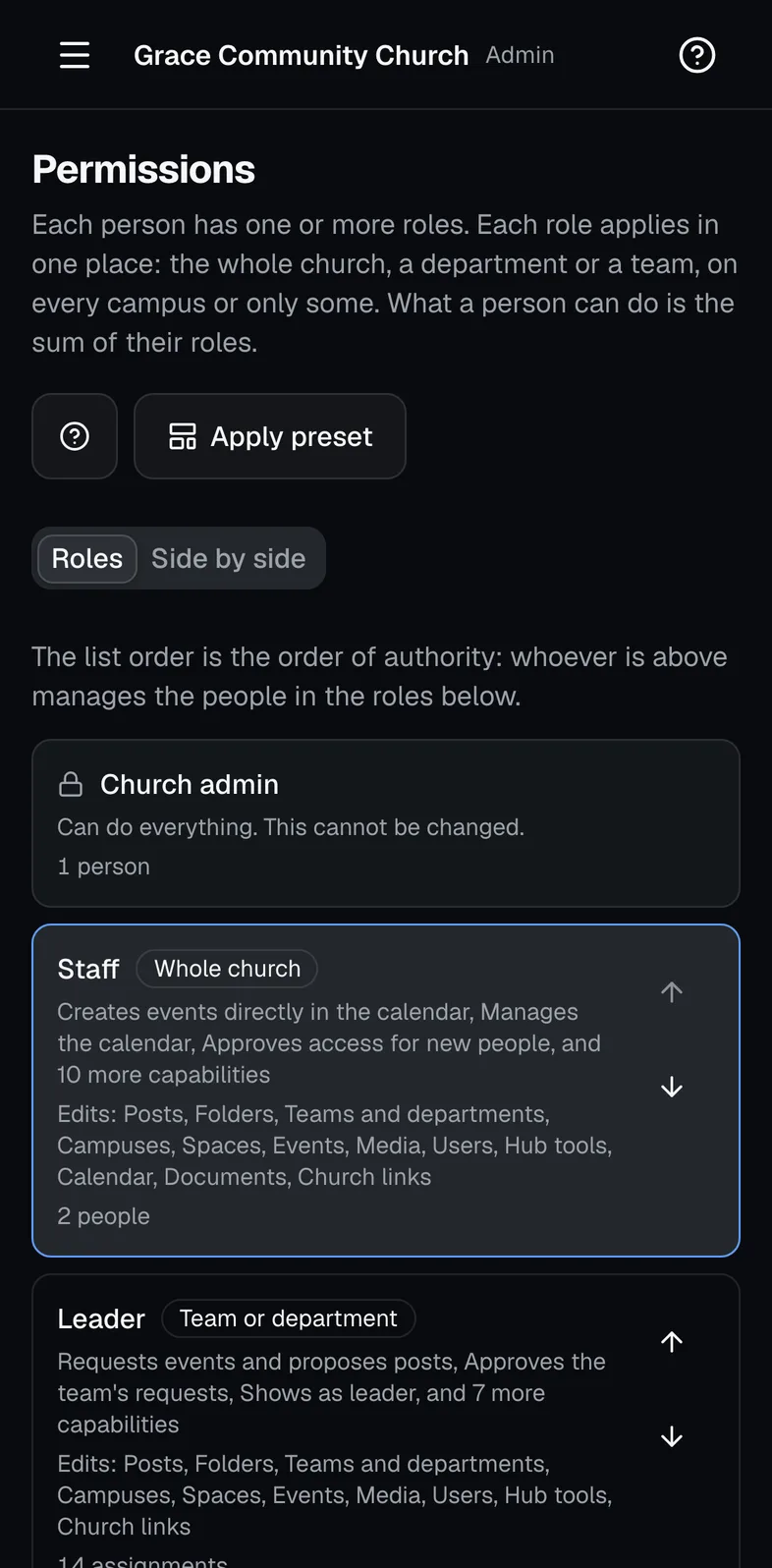
Each person sees what their role allows
Access is set by level and by named role, in a matrix the church edits. A change applies on the next click, without signing out.
- View, Edit or None for each area, by level
- Named roles such as Finance or Calendar, for people outside the usual levels
- A screen that explains what a person can do, and through which role
The same church on the phone
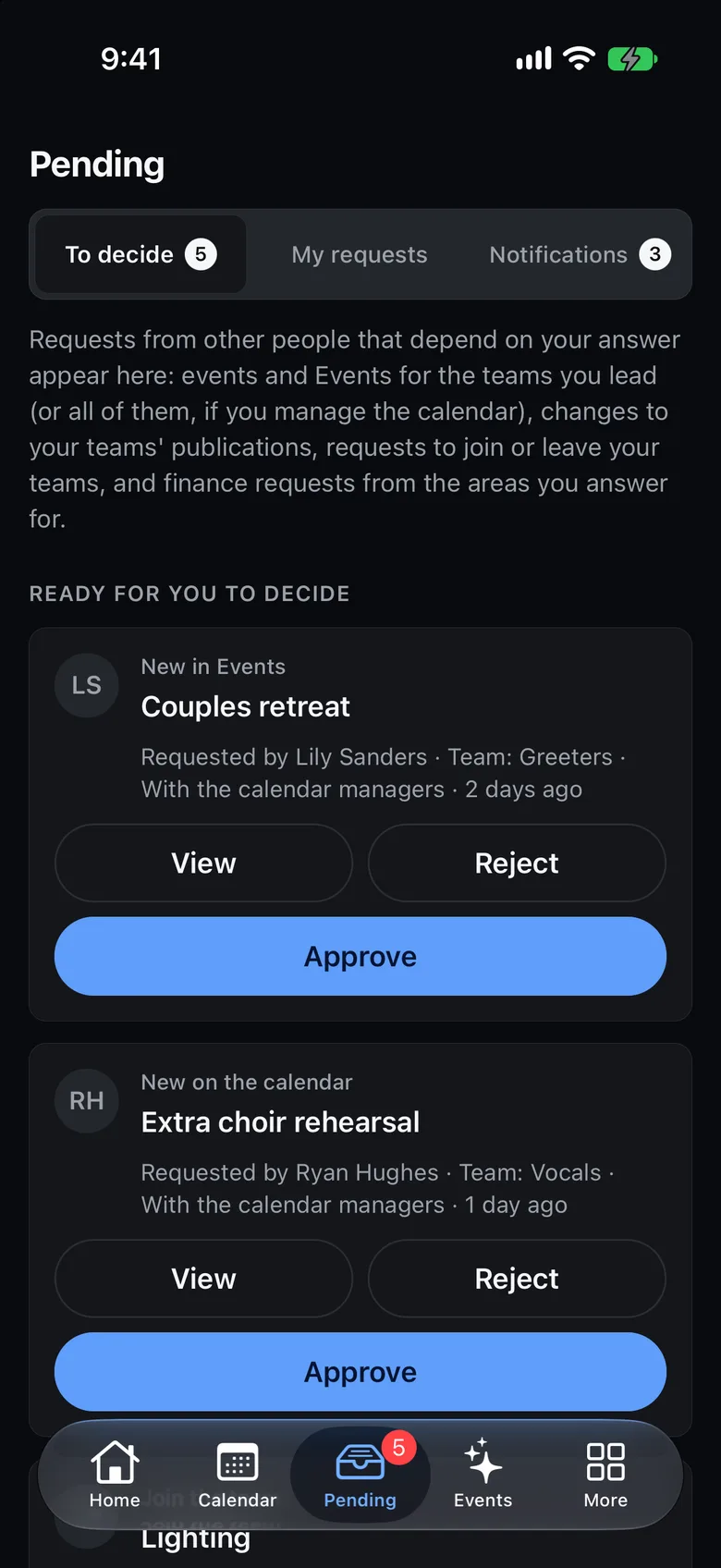
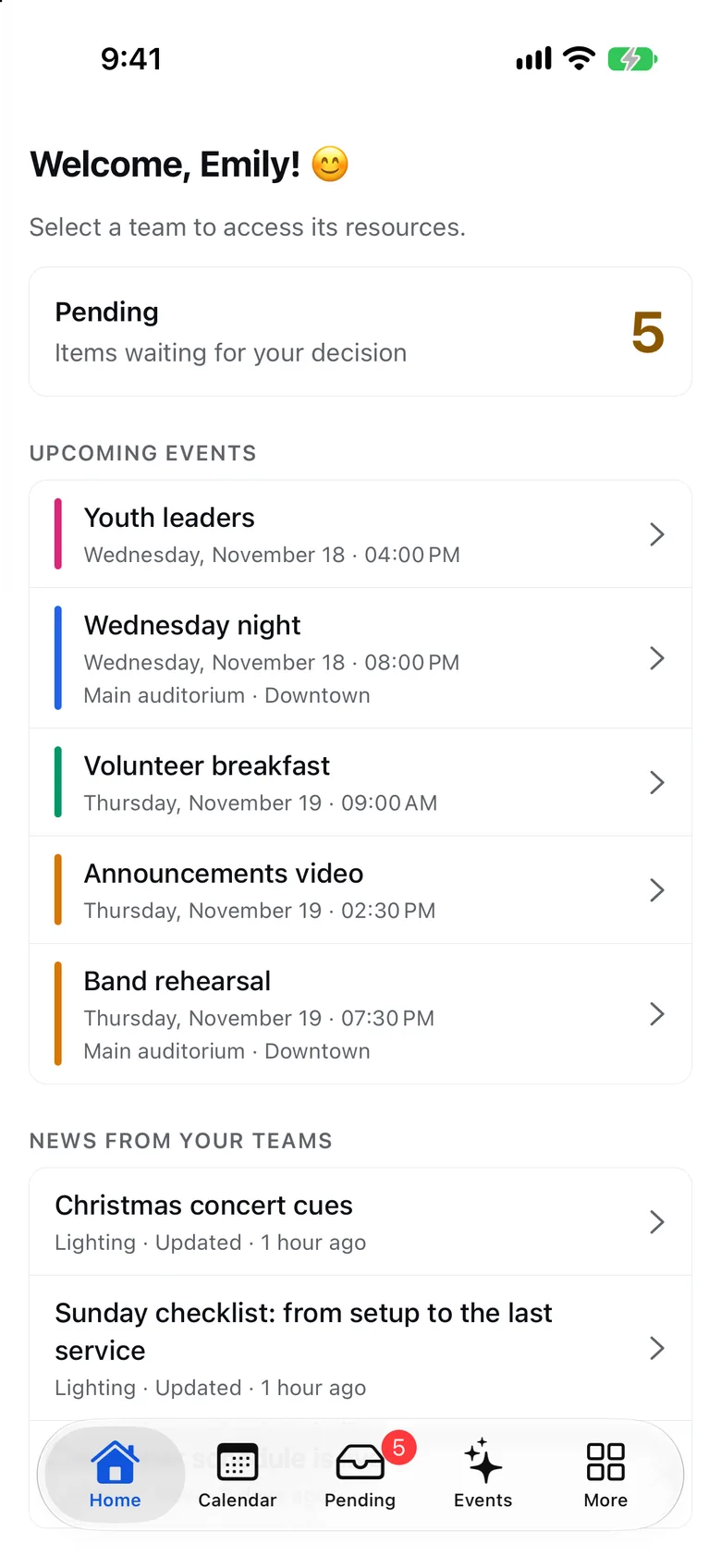
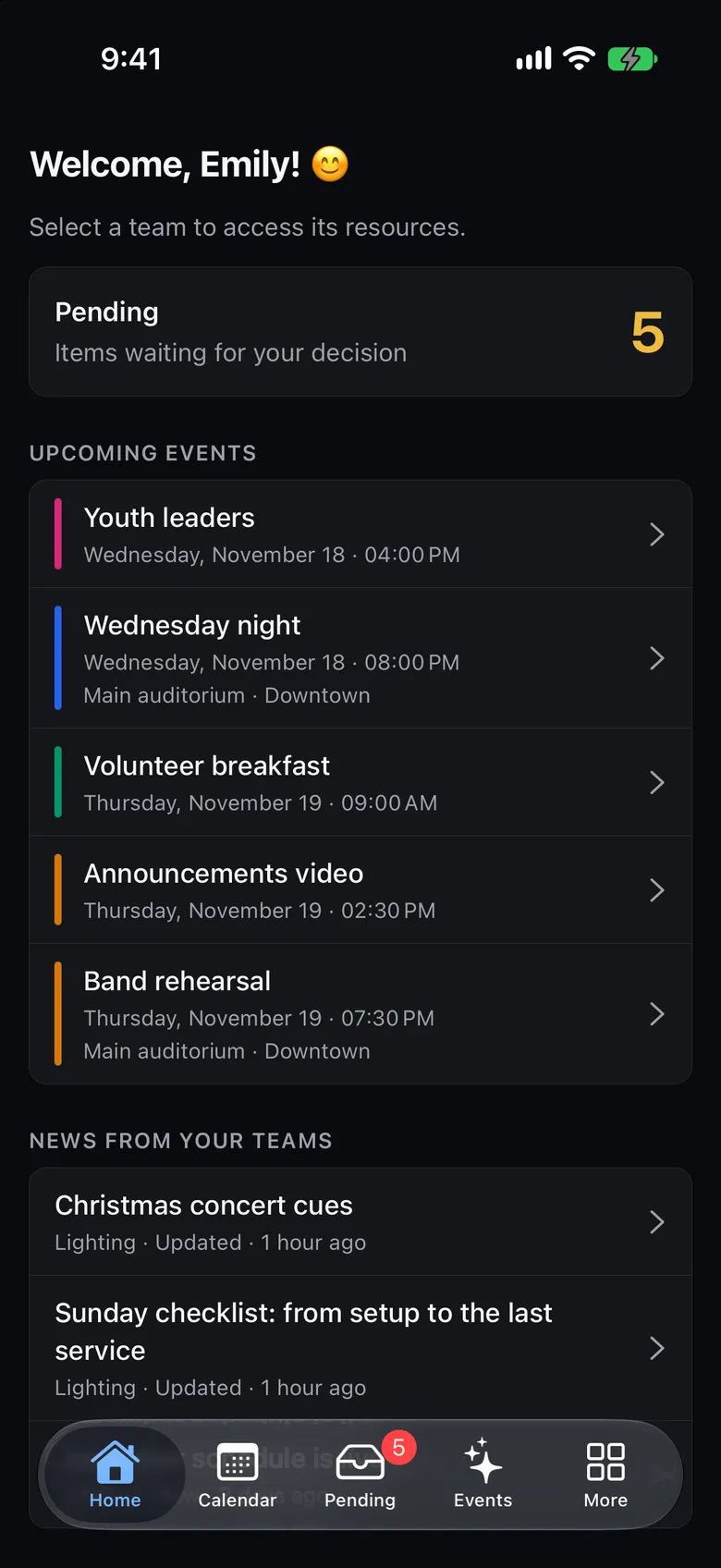
One iPhone and Android app holds every church on the account: people pick which one to open. Requests are approved right there, the calendar, events and the Sunday setlist are a tap away, a copy stays readable offline and each device keeps its own session.
Each church’s data is kept apart by the database itself
Every table has a per-church access rule in Postgres, the servers run in São Paulo and there is a backup every day.
Read about security and privacy- A per-church access rule in Postgres on every table
- Servers and database in São Paulo
- A backup every day and a monthly restore test
How a church starts
- 01
Your church’s address
Our team creates the church and its address, with you as the first administrator.
- 02
Leaders and teams
You invite the leaders, set up departments and teams and decide who leads each one.
- 03
Who sees what
You adjust the permission matrix and approve the volunteers who sign in with Google.
- 04
The calendar goes live
Services, rehearsals and events go up, and requests start following the approval flow.
Tell us how your church is organized
Our team replies by email and sets up your church’s address. The Seed plan is free, and the Church plan has a 30-day trial.